How to create a ring to for a team element in Aircall
Here is how to create a ring to for a team element in aircall
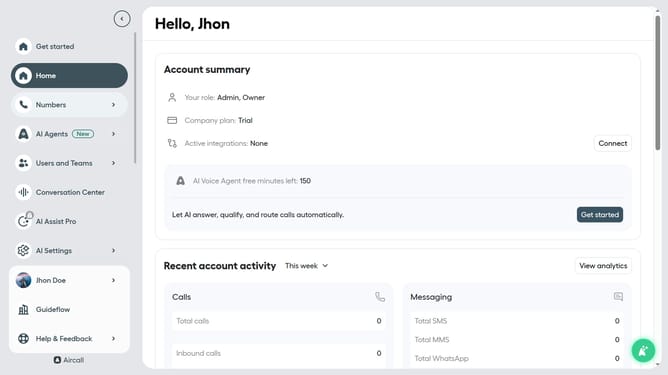
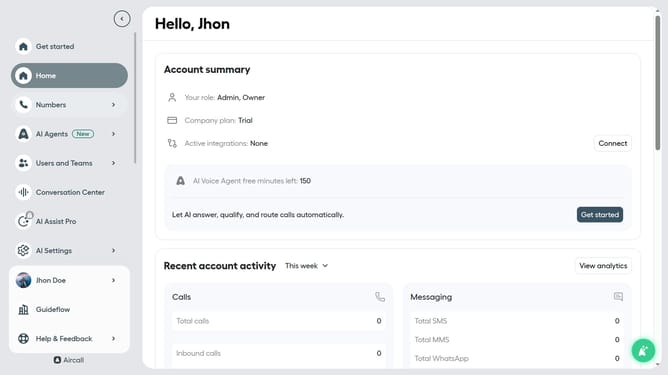
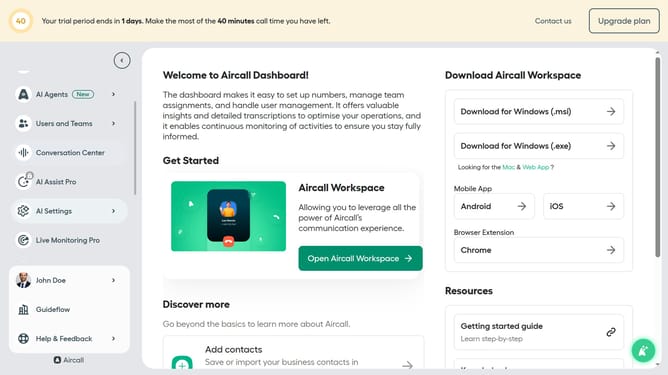
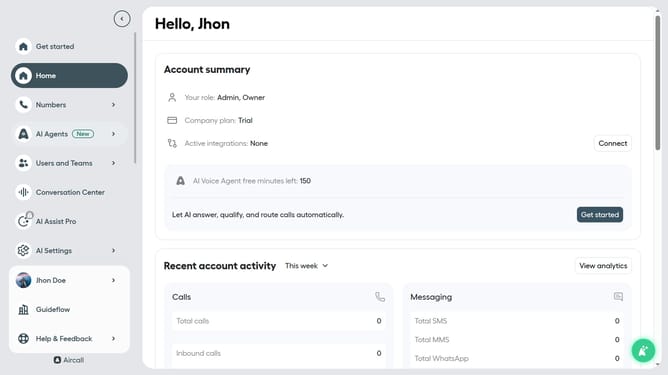
- First click on "Numbers" item in the left sidebar
- Then click on "Numbers" tab in the main section
- Next click on the name of the number you want to manage from the table
- Then click on "Edit" button
- Then click on "+" button.
- Then click on the "Ring to" option
- Click on the "Team" option
- Then click on the "Ring to" dropdown
- Then click on a team from the dropdown
- Finally click on the "Publish" button
Why should you create a ring to for a team element in Aircall
Aircall is a cloud-based phone system designed to streamline communication for businesses around the world.
Creating a "ring to" for a team element in Aircall ensures calls are efficiently distributed among team members, enhancing collaboration and responsiveness.
This feature simplifies workflow by allowing teams to handle calls based on specific criteria, ensuring customers are routed to the right person at the right time.
Ultimately, this leads to improved team productivity, better customer service, and a seamless caller experience.
Last update