How to enable voicemail transcription in Aircall
Here is how to enable voicemail transcription in aircall
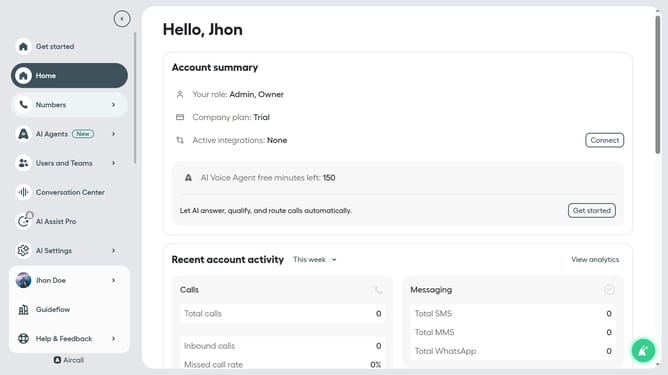
- First, click on "Numbers" in the left sidebar
- Then, click on the "Numbers" tab in the main content area
- Next click on the name of the number you want to manage
- After that, click on the "Settings" tab
- Finally, click on the toggle switch next to "Transcribe incoming voicemails" to enable it
Why should you enable voicemail transcription in Aircall
Aircall is a versatile cloud-based phone system designed for modern businesses.
Enabling voicemail transcription in Aircall elevates your communication efficiency by converting voice messages into text, ensuring you never miss critical information. This feature is a game-changer for teams who juggle numerous calls daily, helping to keep track of details effortlessly.
Voicemail transcription saves time, offers convenience, and enhances accessibility, enabling you to quickly read through messages wherever you are, even when listening isn't an option.
With this clear, text-based approach, Aircall simplifies call management and boosts productivity by allowing you to prioritize tasks based on message content.
Last update