How to automatically stop recordings for transferred calls in Aircall
Here is how to automatically stop recordings for transferred calls in aircall
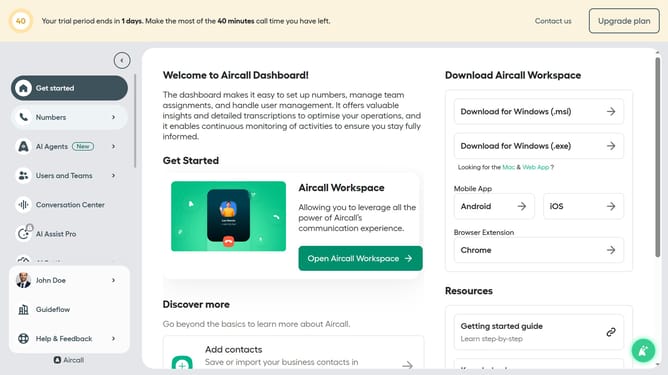
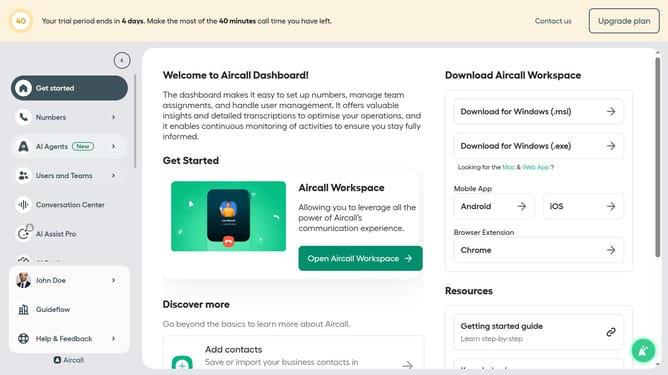
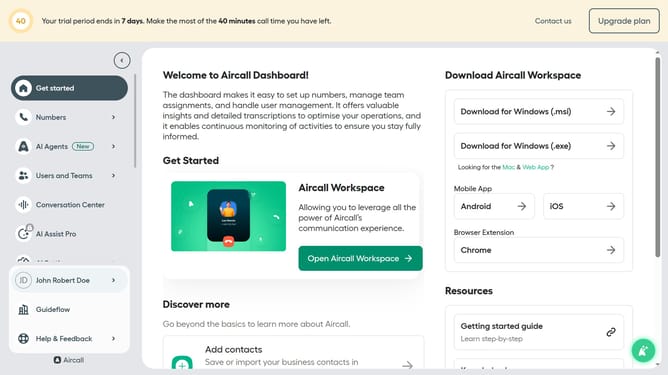
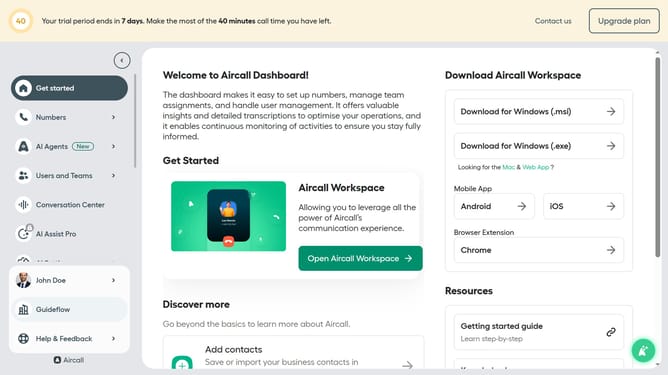
- First click on the "Numbers" item in the left sidebar
- Then click on the "Numbers" tab
- Next click on the name of the number you want to manage
- Then click on the "Settings" tab
- Finally click on the toggle for "Automatically stop recording on transfers to phone numbers"
Why should you automatically stop recordings for transferred calls in Aircall
Aircall is a cloud-based phone system designed to enhance business communication effortlessly.
One of its handy features is automatically stopping recordings for calls when they are transferred. This ensures privacy and compliance, making handling calls seamless and worry-free.
By halting recordings during transfers, Aircall eliminates potential privacy breaches and maintains customer trust. This functionality keeps your call data respectful and aligned with privacy standards.
It streamlines operations while focusing on efficiency and discretion, benefiting both the business and its clients.
Last update