How to prevent AI voice agent to escalate the call in Aircall
Here is how to prevent ai voice agent to escalate the call in aircall
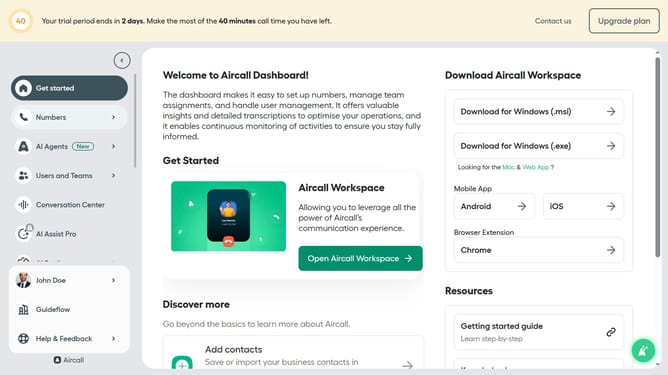
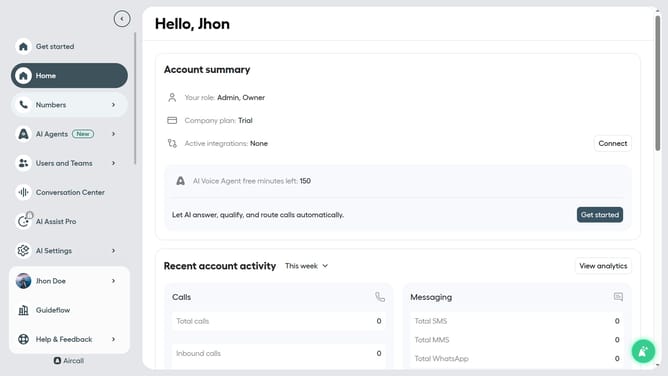
- First click on "AI Agents" in the left sidebar
- Then click on "AI Voice Agents" in the menu options
- Next click on the voice entry you want to manage
- Then click on "Call transfer rules" in the left panel
- After that, toggle OFF the "Allow AI Voice Agent to escalate"
- Finally click on the "Save" button
Why should you prevent AI voice agent to escalate the call in Aircall
Aircall is a dynamic cloud-based phone system designed to streamline your business communications.
One of its valuable features is the ability to manage AI-driven interactions effectively to prevent unnecessary call escalations. This allows your AI voice agent to handle interactions smoothly, enhancing customer satisfaction.
By minimizing escalations, your team can focus on more complex issues, optimizing productivity and ensuring a seamless customer experience.
Last update