How to automatically record incoming calls in Aircall
Here is how to automatically record incoming calls in aircall
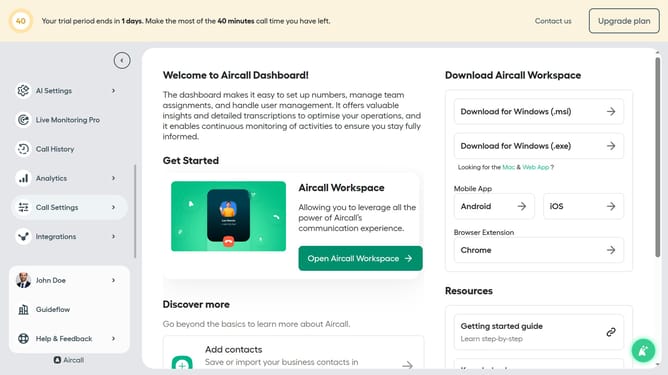
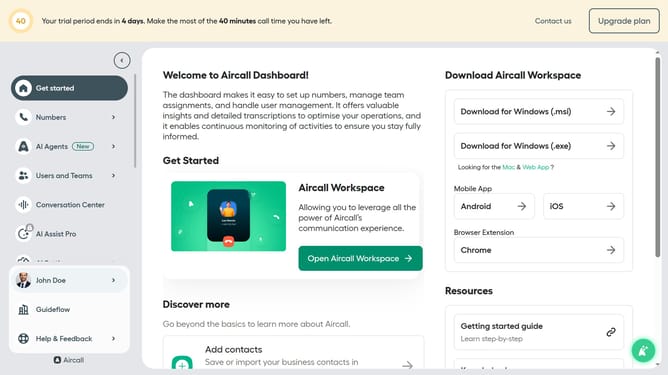
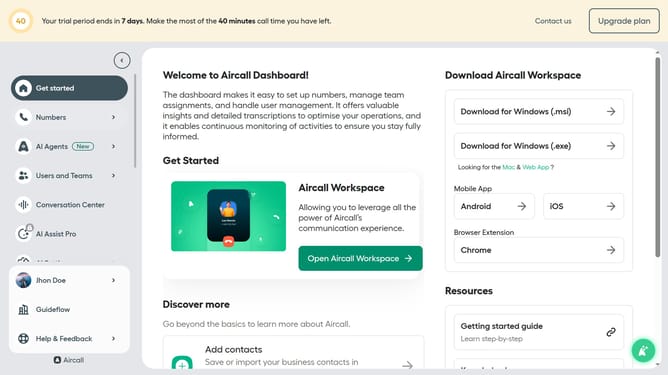
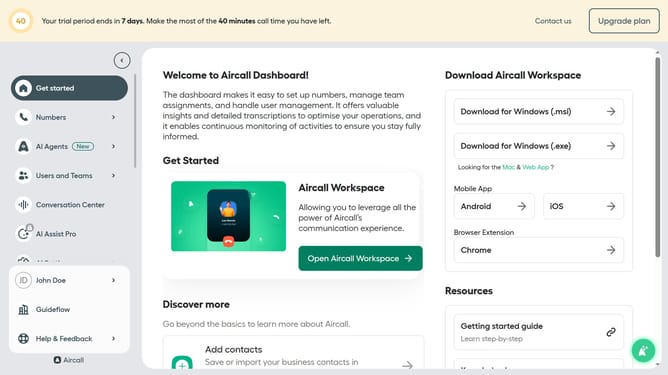
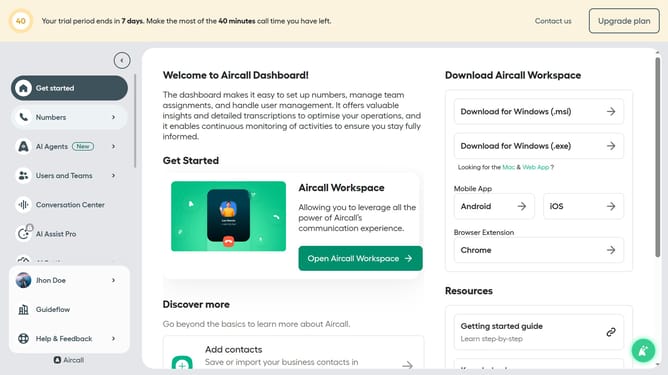
- First click on the "Numbers" item in the sidebar menu
- Then click on the "Numbers" tab on the main panel
- Next click on the name of the number you want to manage
- Then click on the "Settings" tab
- Finally, click on the toggle to enable "Start recording automatically"
Why should you automatically record incoming calls in Aircall
Aircall is a versatile cloud-based phone system designed for improving customer service and team collaboration.
Automatically recording incoming calls in Aircall is a seamless feature that enhances communication efficiency and accountability.
This feature ensures that every important detail is captured, preventing potential loss of critical information during calls.
Such a capability is indispensable for training purposes, maintaining quality control, and ensuring compliance with various regulatory standards.
Last update