How to add new branch in standard IVR in a call flow in Aircall
Here is how to add new branch in standard ivr in a call flow in aircall
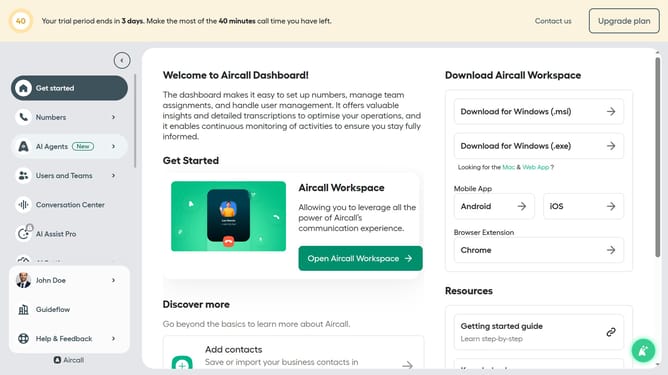
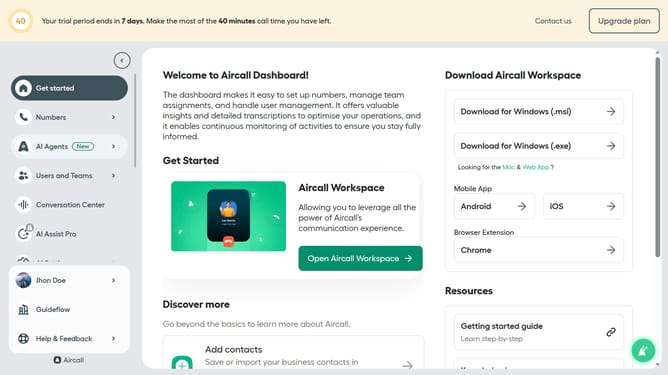
- First, click on "Numbers" in the left sidebar
- Then, click on the "Numbers" tab in the main menu
- Next click on the name of the number you want to manage from the table
- Then, click on the "Edit" button
- After that, click on the IVR element
- Next, click on the "+ Add new branch" button
- Finally, click on the "Publish" button
Why should you add new branch in standard IVR in a call flow in Aircall
Aircall is a cloud-based phone system designed to simplify business communication.
Adding a new branch in a standard IVR call flow within Aircall enables seamless and efficient customer interactions. This feature allows businesses to extend their automated call routing options, leading to better management of incoming calls. By structuring an organized branch system, companies can ensure each caller is directed to the appropriate department or personnel quickly and effectively.
Utilizing this feature enhances customer satisfaction, reduces hold times, and improves overall operational efficiency, making it a vital tool for businesses seeking to optimize their communication strategies.
Last update