How to add a new branch for a time rule in a call flow in Aircall
Here is how to add a new branch for a time rule in a call flow in aircall
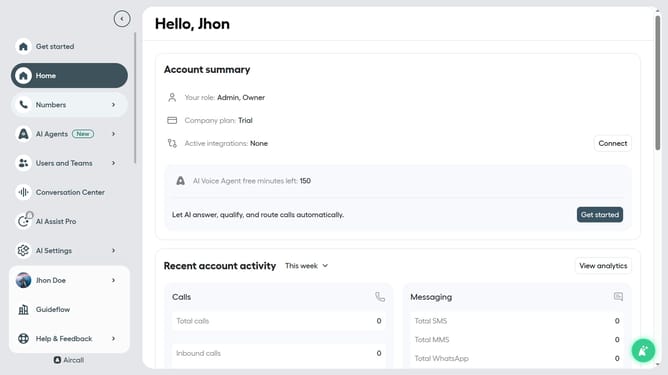
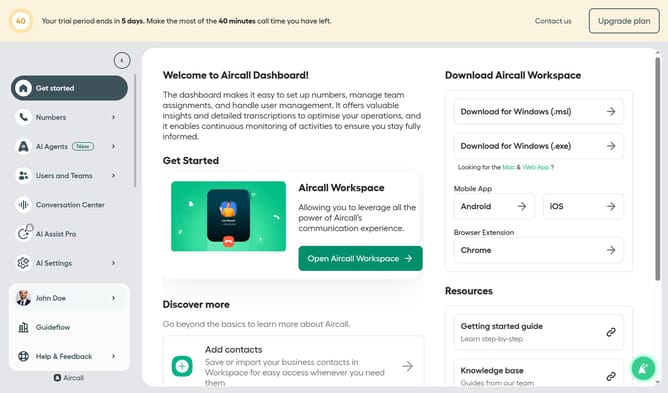
- First click on the "Numbers" item in the left sidebar menu
- Then click on the "Numbers" tab
- Next click on the name of the number you want to manage from the table
- Then click on the "Edit" button
- After that, click on the time rule element
- Click on the "+ Add new branch" button
- Finally, click on the "Publish" button
Why should you add a new branch for a time rule in a call flow in Aircall
Aircall is an innovative platform that streamlines communication for businesses with its robust cloud-based phone system.
Adding a new branch for a time rule in a call flow within Aircall enhances efficiency by allowing for adaptable call management tailored to specific schedules. This feature empowers businesses to implement dynamic routing, ensuring that calls are directed appropriately based on the time of day.
Utilizing this feature maximizes customer satisfaction by reducing wait times and ensuring callers reach the right team member, fostering a professional image and improving overall operational effectiveness.
Last update