How to delete a messaging AI agent in Aircall
Here is how to delete a messaging ai agent in aircall
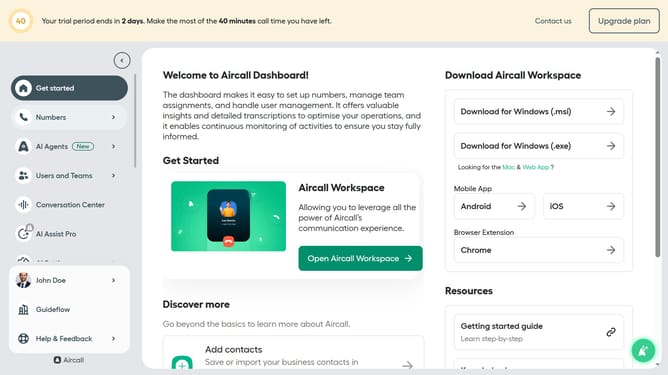
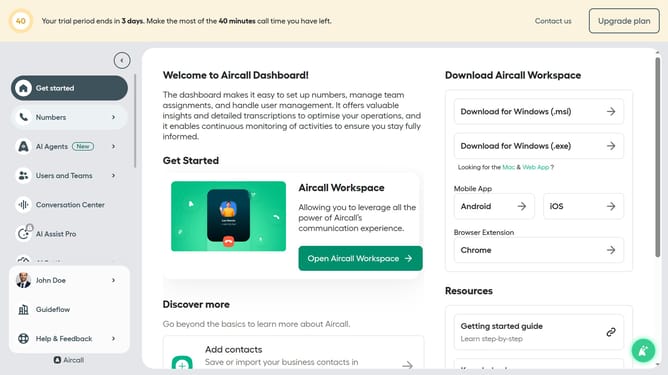
- First click on "AI Agents" in the left sidebar
- Then click on "AI Messaging Agents" in the sidebar menu
- Click on the three dots icon next to the agent you want to delete
- Then click on the "Delete" option from the dropdown menu
- Finally click on the "Delete" button to confirm
Why should you delete a messaging AI agent in Aircall
Aircall is a cutting-edge cloud-based call center software designed to streamline communication for businesses of all sizes.
Within Aircall, the ability to delete a messaging AI agent ensures that your communication landscape remains efficient and tailored to current needs.
Removing an AI messaging agent can declutter your workspace, ensuring that only relevant and productive agents are in use. This keeps your team focused and optimizes resource allocation for business growth.
Last update