How to set hold music in Aircall
Here is how to set hold music in aircall
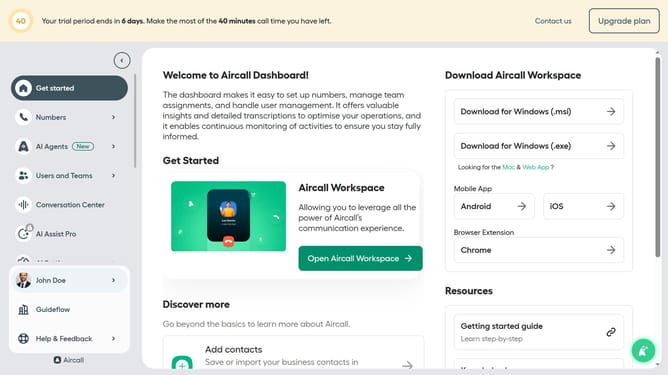
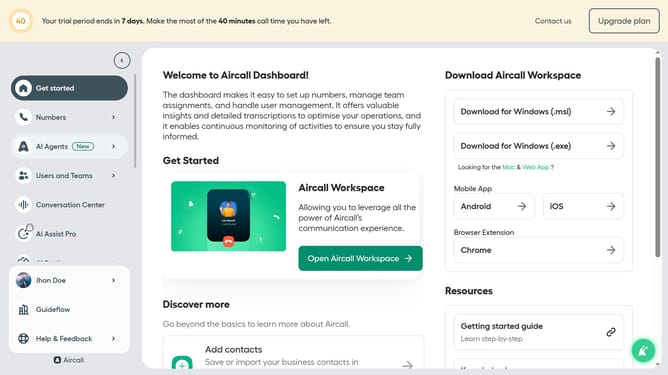
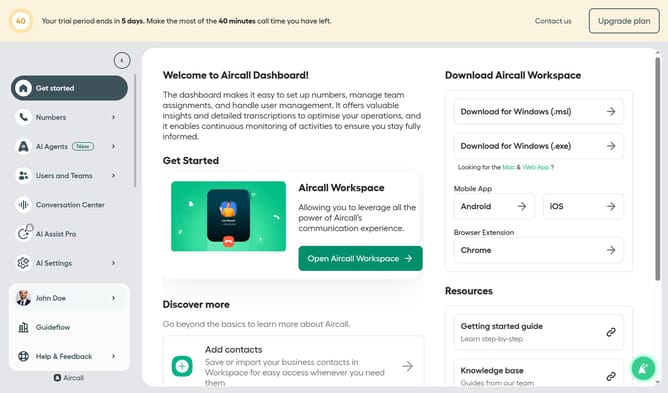
- First, navigate to the left sidebar and click on the "Numbers" item
- Then, click on the "Numbers" tab in the main section
- How to set hold music in Aircall
- Then, click on the "Settings" tab
- After that, click on the "Audio library" dropdown menu
- Then, select the "Audio library" option from the dropdown
- Finally, select the radio button of your preferred sound
Why should you set hold music in Aircall
Aircall is a cloud-based phone system designed to streamline and enhance business communication.
One standout feature is its ability to set custom hold music, creating a more engaging experience for callers on hold.
With personalized hold music, businesses can convey their unique brand identity, soothing waiting times with harmonious sounds.
This feature transforms a standard service into a memorable customer interaction, leading to improved satisfaction and professionalism.
Last update