How to rename a time rule branch in a call flow in Aircall
Here is how to rename a time rule branch in a call flow in aircall
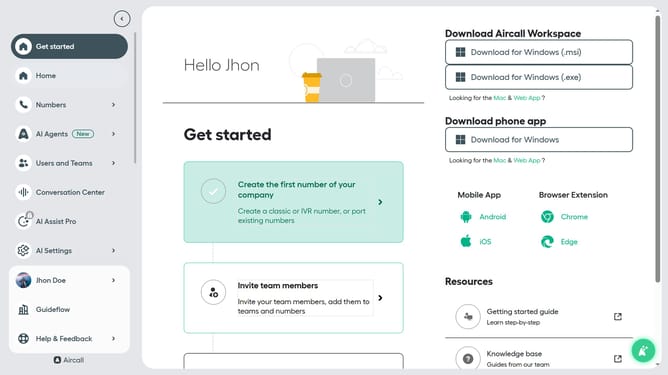
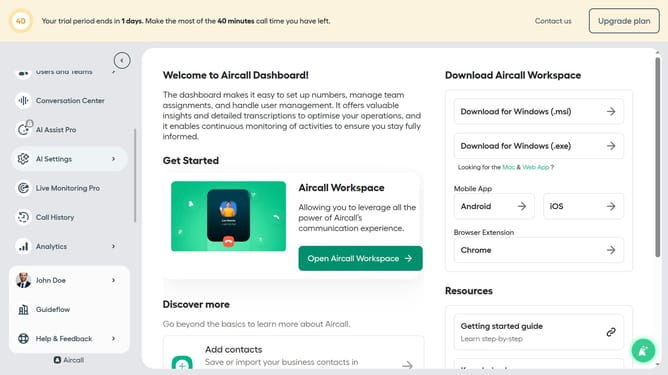
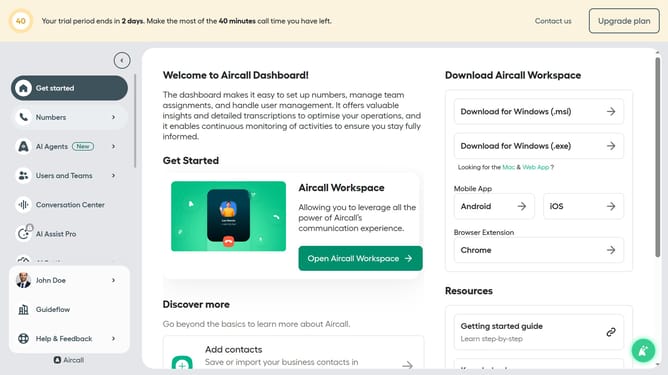
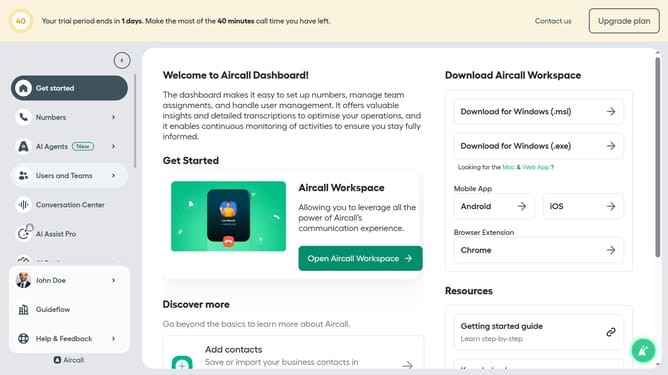
- First click on "Numbers" in the left sidebar
- Then click on "Numbers" in the main menu
- Next click on the name of the number you want to manage from the table
- Then click on the time rule element box
- Next click on the "Edit" button
- Then click on the pencil icon under "Branch settings"
- Next click on the "Branch title" input field and edit it
- Finally click on the "Publish" button
Why should you rename a time rule branch in a call flow in Aircall
Aircall is a powerful cloud-based phone system that streamlines communications for modern businesses.
One essential feature within this platform is the ability to rename a time rule branch in a call flow. This capability allows you to customize how incoming calls are managed during different times, enhancing organizational efficiency.
By renaming time rule branches, businesses can swiftly adapt to dynamic schedules, ensuring customers reach the right contact without delays. This not only improves customer satisfaction but also optimizes team performance.
Last update