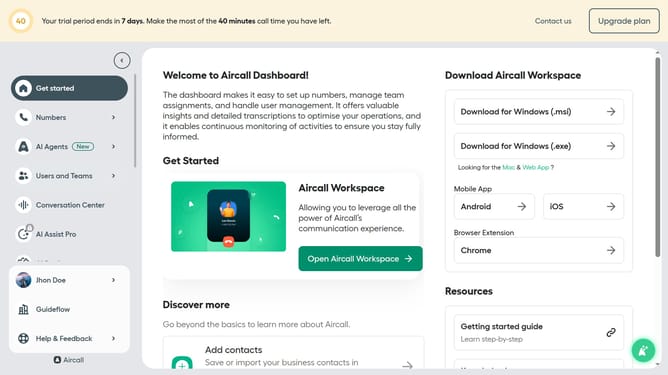
How to set ringtone in Aircall
Here is how to set ringtone in aircall
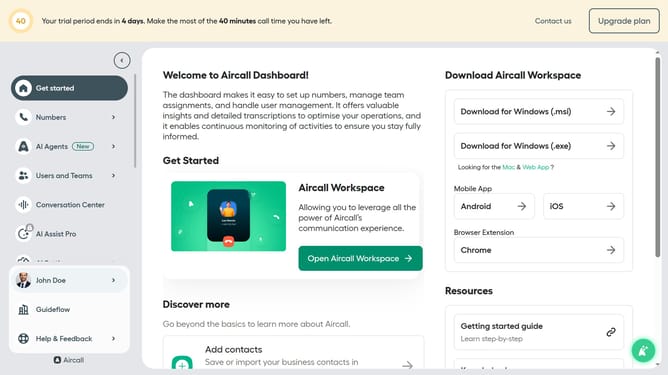
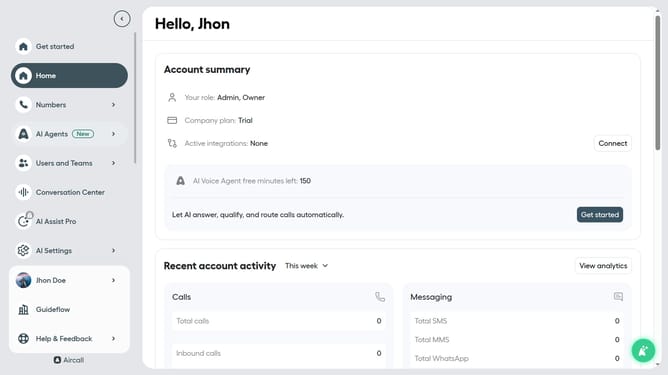
- First click on your user profile in the left sidebar
- Then click on "Edit profile" option
- Then click on "Call preferences" tab
- Then click on the "Default ringtone" dropdown menu
- Next select a ringtone from the dropdown list
- Finally, click on "Save changes" button
Why should you set ringtone in Aircall
Aircall is a powerful cloud-based phone system that streamlines business communication.
One key feature of Aircall is the ability to set custom ringtones, allowing users to personalize their calling experience.
By customizing your ringtone, you can easily distinguish between personal and professional calls, enhancing efficiency and ensuring prompt responses.
The simplicity of setting your ringtone in Aircall ensures a seamless experience, aligning with the fast-paced demands of modern business communication.
Last update