How to download audio message recording in a call flow in Aircall
Here is how to download audio message recording in a call flow in aircall
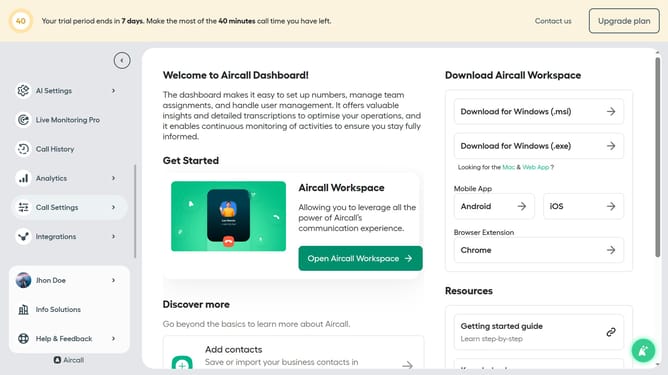
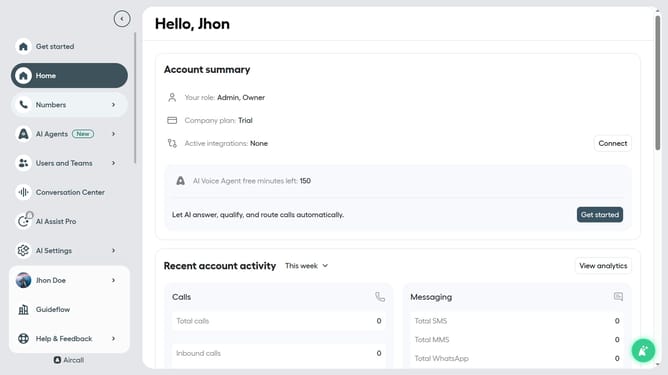
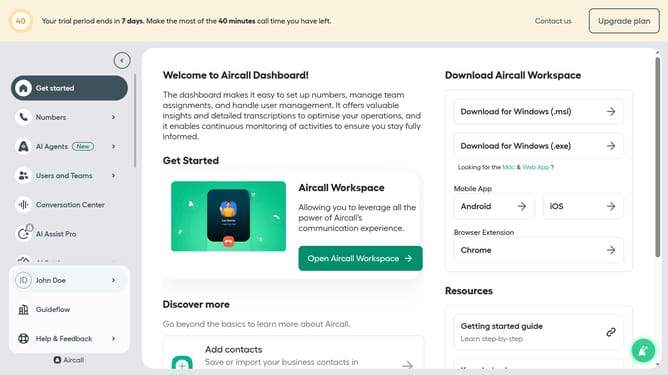
- First click on the "Numbers" item in the sidebar menu
- Then click on the "Numbers" label in the main content area
- Next click on the name of the number you want to manage from the table
- Then click on the "Edit" button
- Then click on the "Audio Message" box in the workflow
- Then click on the three dots icon next to the recording
- Finally click on the "Download" option in the revealed menu
Why should you download audio message recording in a call flow in Aircall
Aircall is an innovative cloud-based phone system designed to streamline communication for businesses.
The ability to download audio message recordings within a call flow in Aircall enhances the user experience significantly. This feature allows users to easily capture and store important communications.
Having access to these recordings fosters better analysis, training, and quality assurance, ultimately improving organizational communication efficiency.
Last update