How to disable company context in Aircall
Here is how to disable company context in aircall
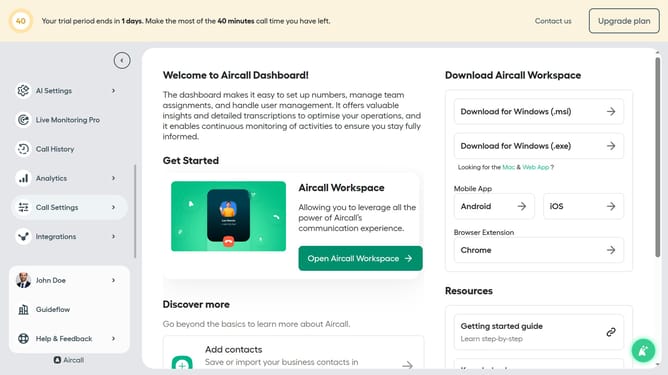
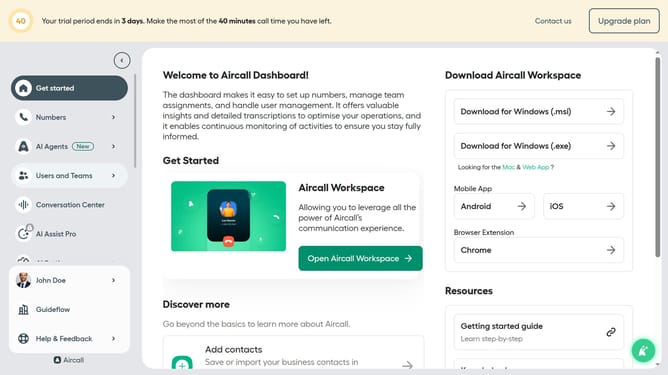
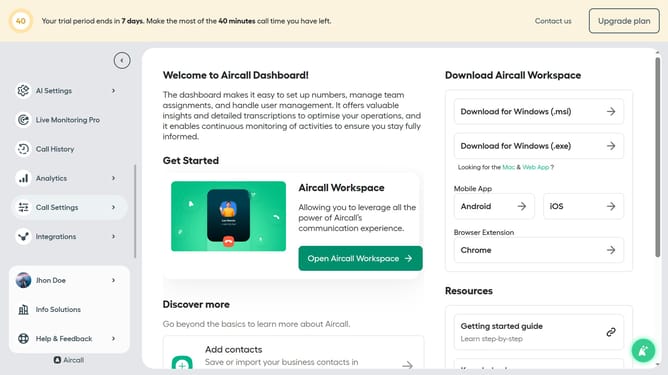
- First click on "AI Settings" in the left sidebar
- Then select "Company context" from the dropdown menu
- Finally toggle OFF on the "Enable Company Context"
Why should you disable company context in Aircall
Aircall is an innovative cloud-based phone system designed for modern businesses.
Disabling company context in Aircall can streamline operations by focusing on individual team members rather than company-wide data. By doing so, it allows users to engage more deeply with specific customer interactions.
This feature is particularly beneficial for roles that require dedicated attention to customer needs. For teams that handle sensitive information, it ensures that only relevant details are presented, enhancing both efficiency and privacy.
Last update