How to add a customized automated question in AI voice agent in Aircall
Here is how to add a customized automated question in ai voice agent in aircall
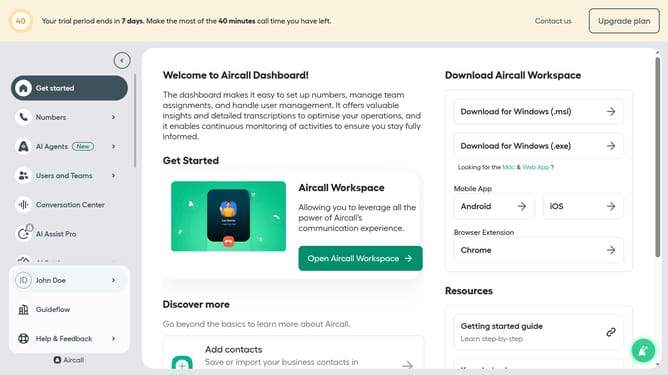
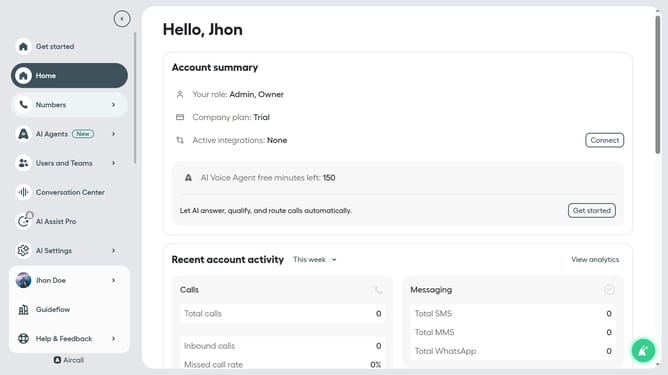
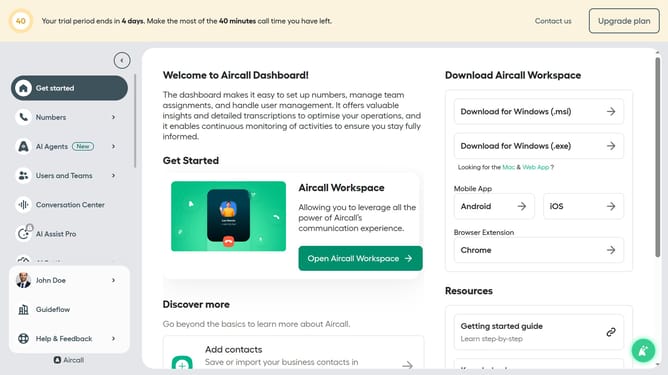
- First click on "AI Agents" item in the sidebar
- Then click on "AI Agents" option from the pop-up menu
- Next click on the voice entry you want to manage
- Then click on "Intake flow" in the left navigation pane
- Next click on "+ Add a question" button
- Then click on the field with text "Custom question"
- Next click on the input field labeled "Type a question to be asked here" and edit it
- Then click on the "Add answer" button
- Next click on the input field that says "Type in a possible answer from the caller" and edit it
- Then click on the "Add follow-up question" button and edit it
- Next click on the input field labeled "Type in a possible answer from the caller" and edit it
- Then click on the "Add follow-up-question" button and edit it
- Next click on the label "Add follow-up-question"
- Then enter your follow up question in the text field
- Finally click on the "Save" button
Why should you add a customized automated question in AI voice agent in Aircall
Aircall is a seamless cloud-based phone solution tailored for modern businesses to improve communication efficiency.
Adding a customized automated question to an AI voice agent in Aircall enhances the personalization of customer interactions. This feature allows businesses to specifically tailor questions, adapting to real-time needs and ensuring that customer inquiries are met with relevance and accuracy.
Using this feature maximizes the efficiency of call handling, leading to improved customer satisfaction and streamlined operations. It empowers businesses to respond proactively while maintaining consistent service quality.
Last update