How to add company description in an AI voice agent in Aircall
Here is how to add company description in an ai voice agent in aircall
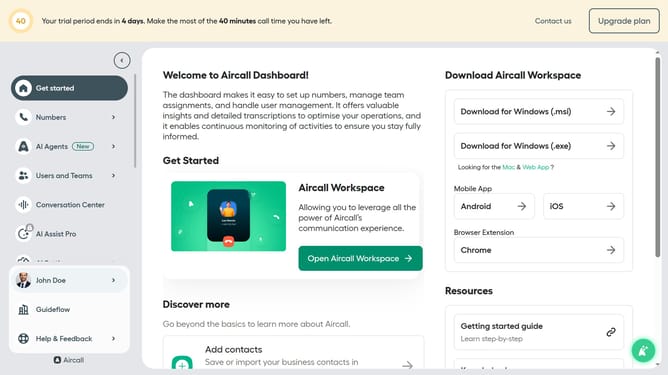
- First, click on the "AI Agents" item in the left sidebar
- Then, click on "AI Voice Agents" from the dropdown menu
- Next click on the voice entry you want to manage
- In the left panel, click on "Company information"
- Then, enter your text into the company description field
- Finally, click on the "Save" button
Why should you add company description in an AI voice agent in Aircall
Aircall is a leading cloud-based phone system designed for modern businesses to streamline customer communication effortlessly.
Integrating a company description into Aircall's AI voice agent enhances the caller experience by providing immediate insight into your company’s identity and core values.
This feature ensures consistency in communication, giving callers a professional, informative greeting that instills confidence and trust.
By setting the right tone from the outset, your business not only elevates its brand presence but also fosters better customer relationships.
Last update