How to change a date rule timezone in call flow in Aircall
Here is how to change a date rule timezone in call flow in aircall
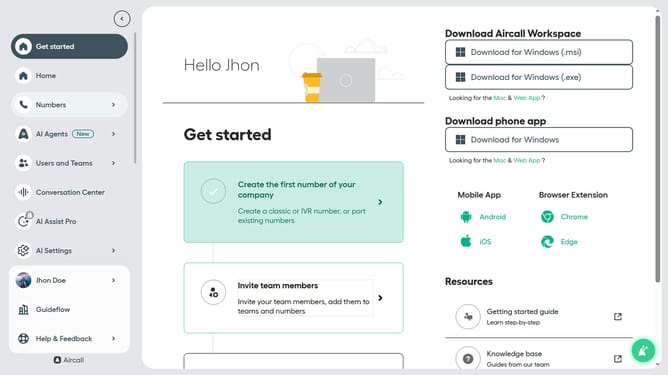
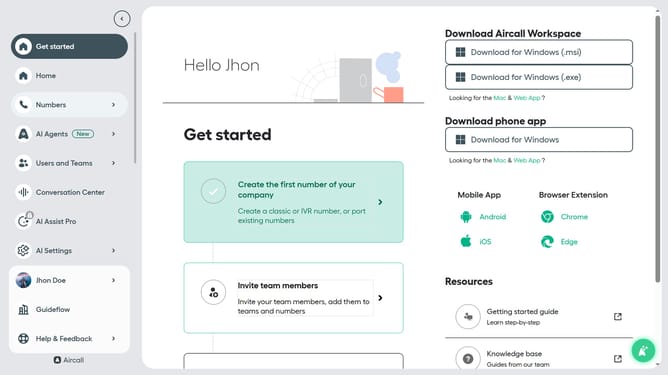
- First click on "Numbers" in the side navigation
- Then click on the "Numbers" tab
- Next click on the name of the number you want to manage from the table
- Then click on the "Edit" button
- Next click on the date rule element
- Then click on the "Timezone" dropdown menu
- Then select a timezone from the timezone list
- Finally click on the "Publish" button
Why should you change a date rule timezone in call flow in Aircall
Aircall is a leading cloud-based phone system designed to streamline business communication.
A key feature of Aircall is the ability to adjust a date rule timezone within its call flow, offering flexibility for global teams. By changing the timezone setting, businesses can accurately align their operations with their preferred regional times.
This adjustment not only ensures timely call routing but also enhances productivity by accommodating diverse working hours across international locations. This feature underscores Aircall's commitment to adaptable and efficient communication solutions.
Last update