How to test prompt message in an input IVR in Aircall
Here is how to test prompt message in an input ivr in aircall
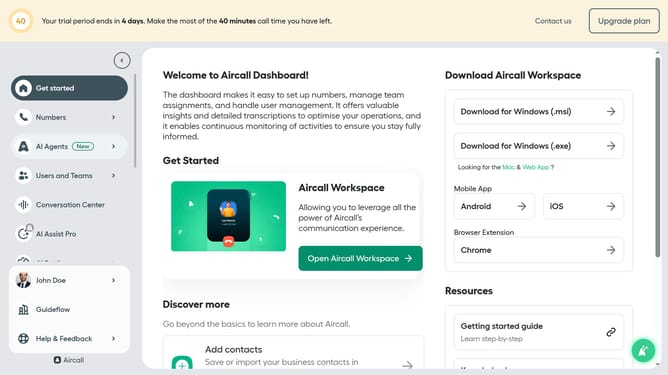
- First, click on "Numbers" in the left sidebar
- Then, click on "Numbers" tab in the main panel
- Next click on the name of the number you want to manage from the table
- Then, click on the "Edit" button
- After that, click on the "Input IVR" block
- Finally, click on the "Test and play" button
Why should you test prompt message in an input IVR in Aircall
Aircall is a cloud-based phone system designed to streamline communication processes for businesses.
Testing prompt messages within an input IVR in Aircall ensures these messages are clear and effective before engaging customers. This feature allows businesses to refine their communication strategies, providing callers with a professional and seamless experience.
By testing messages, companies can pinpoint potential issues, resulting in enhanced caller satisfaction and improved IVR functionality.
Ultimately, this leads to more efficient call management and a better overall user experience.
Last update