How to set conversation guidelines in AI voice agent in Aircall
Here is how to set conversation guidelines in ai voice agent in aircall
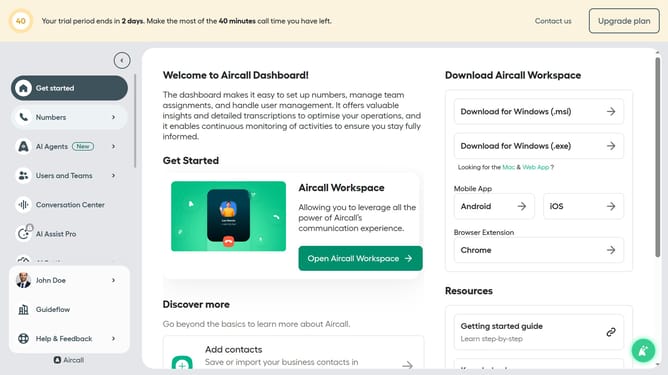
- First, click on "AI Agents" in the left sidebar
- Next click on the voice entry you want to manage
- Next, click on the "Call script" section in the left panel
- Next, click on the "Conversation guidelines" and edit it
- Finally, click on the "Save" button at the bottom of the page
Why should you set conversation guidelines in AI voice agent in Aircall
Aircall is the ultimate cloud-based phone system that enhances communication and support for businesses.
Setting conversation guidelines in AI voice agents within Aircall ensures interactions stay consistent and aligned with your brand's tone and policies.
This feature aids in providing a seamless experience for your clients, improving call handling efficiency and boosting satisfaction.
By establishing clear guidelines, your AI voice agent can maintain professionalism while responding to various scenarios, ultimately enhancing the overall customer experience.
Last update