How to delete intake flow in messaging AI in Aircall
Here is how to delete intake flow in messaging ai in aircall
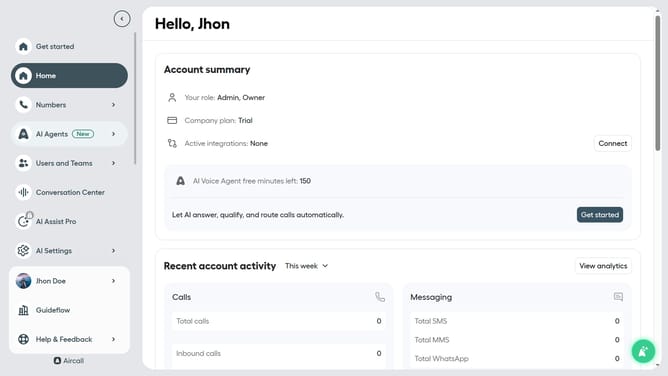
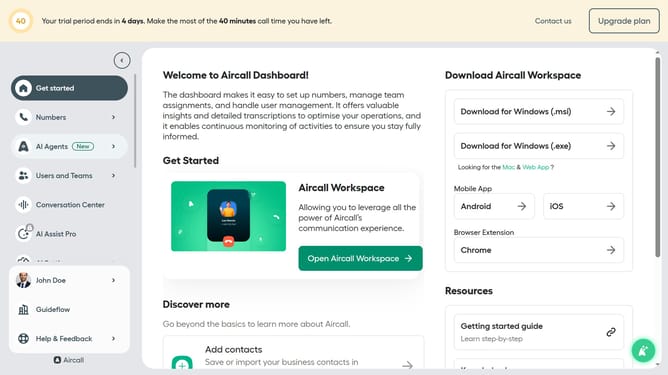
- First click on "AI Agents" in the left sidebar
- Then click on "AI Messaging Agents" in the left sidebar
- Next, click on the agent named "Guideflow Messaging AI" in the main panel
- In the left navigation menu, click on "Intake flow"
- In the "Intake flow" section, click on the options menu next to the item you want to delete
- Then click on the "Delete" option
- Finally, click on the "Save" button
Why should you delete intake flow in messaging AI in Aircall
Aircall is a powerful cloud-based phone system designed for modern businesses, enabling seamless communication and intelligent automation.
The ability to delete intake flow in messaging AI within Aircall is a game-changer for optimizing communication workflows. This feature allows users to streamline their processes by removing outdated or redundant message flows, ensuring that only the most relevant interactions are taking place.
By simplifying the intake flow, businesses can focus on improving customer engagement and boosting overall efficiency. Removing unnecessary steps enhances the responsiveness and agility of communication strategies, leading to better customer satisfaction and streamlined operations. This feature underscores Aircall's commitment to providing flexible, user-friendly tools that adapt to evolving business needs.