How to enable call distribution for unavailable agents in Aircall
Here is how to enable call distribution for unavailable agents in aircall
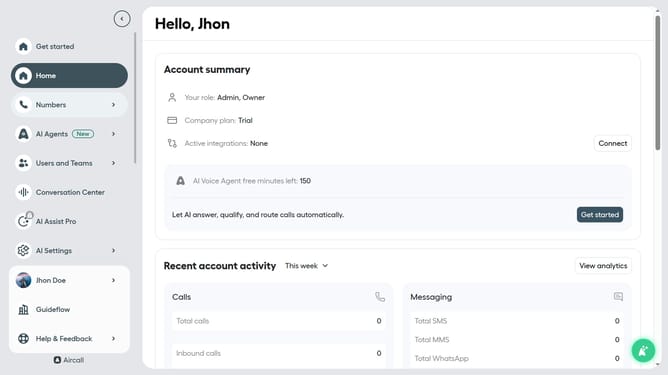
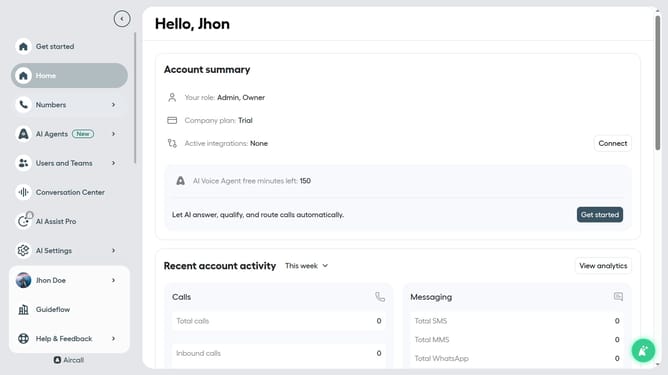
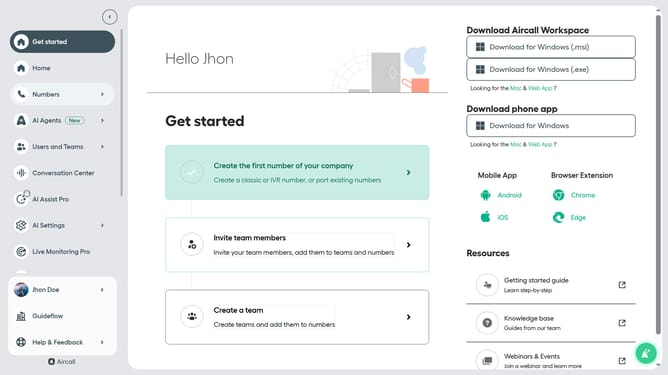
- First click on "Numbers" in the left sidebar
- Then click on "Numbers" in the list of services
- Next click on the name of the number you want to manage
- Then click on the "Settings" tab
- Finally click on the toggle ON switch for "Wait for unavailable agents"
Why should you enable call distribution for unavailable agents in Aircall
Aircall revolutionizes business communication by integrating seamless voice support into workflows.
Enabling call distribution for unavailable agents in Aircall ensures that no customer inquiry goes unanswered.
This feature dynamically reroutes incoming calls to available team members, enhancing service continuity and minimizing wait times.
Such efficient call management fosters a more responsive customer support experience, reducing potential frustration and building trust.
Last update