How to create a standard IVR in Aircall
Here is how to create a standard ivr in aircall
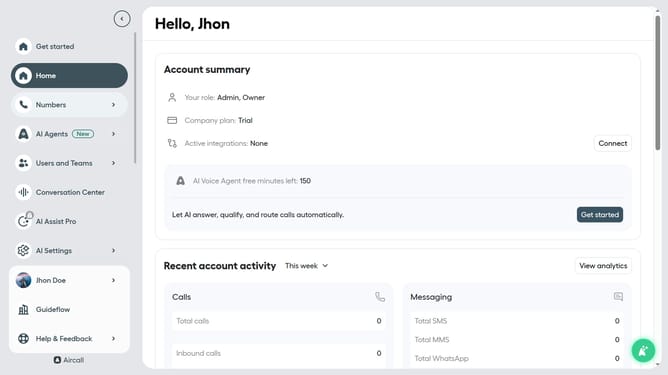
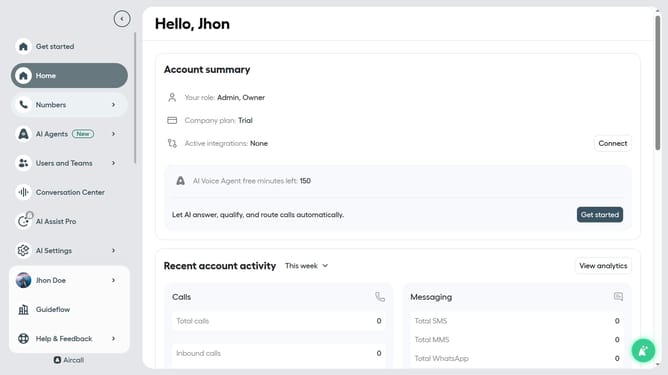
- First click on the "Numbers" item in the left sidebar
- Then click on the "Numbers" tab
- Then click on the "Customer Service" element in the table
- Then click on the "Edit" button
- Then click on the "+" button
- Then click on the "Standard IVR" option
- Finally click on the "Publish" button
Why should you create a standard IVR in Aircall
Aircall is a cloud-based phone system designed to simplify business communication.
Creating a standard IVR in Aircall streamlines call management by directing callers to the appropriate department effortlessly. This intuitive feature enhances customer experience by reducing wait times and minimizing misdirected calls.
Implementing an IVR system not only boosts operational efficiency but also empowers teams to focus on core tasks, ultimately contributing to a more productive work environment and satisfied clientele.
Last update