How to set time rule's time slot in a call flow in Aircall
Here is how to set time rule's time slot in a call flow in aircall
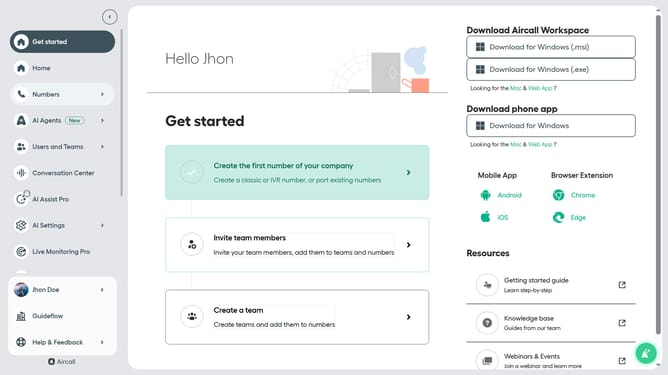
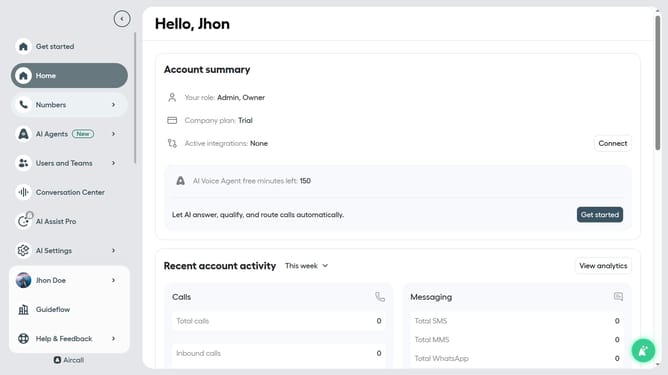
- First, click on the "Numbers" option in the left sidebar
- Then, click on the "Numbers" text in the main content area
- Next click on the name of the number you want to manage from the table
- Then, click on the "Edit" button
- Next, click on the time rule in the smartflow editor
- Then, click on the start time dropdown
- Next, select the time from the dropdown
- Then, click on the end time dropdown
- Next, select a time from the dropdown
- Finally, click on the "Publish" button
Why should you set time rule's time slot in a call flow in Aircall
Aircall streamlines business communications by providing a robust cloud-based phone system designed for efficiency and clarity.
Setting a time rule's time slot in a call flow within Aircall can significantly enhance your customer management experience. By designating specific time slots, you ensure that calls are directed to the right teams who are available to assist, optimizing your service response.
Utilizing this feature can enhance customer satisfaction by reducing wait times and ensuring a seamless operational flow, ultimately driving productivity. It’s a smart way to manage resources effectively while maintaining high-quality communication standards.
Last update