How to set the number of retries in Aircall
Here is how to set the number of retries in aircall
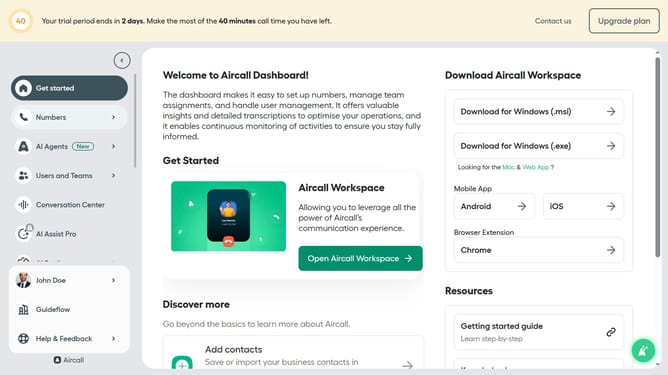
- First, click on the "Numbers" item in the left sidebar
- Then, select the "Numbers" tab
- Next click on the name of the number you want to manage from the table
- Then click on the "Edit" icon
- Then, click on the IVR element on the Smartflow Editor canvas
- Then, click on the "Retry management" option
- Then, click on the number of retries dropdown
- Next, select a number from the dropdown menu
- Finally, click on the "Publish" button located in the top right header
Why should you set the number of retries in Aircall
Aircall is a cloud-based phone solution created to streamline team communication with ease and efficiency.
Setting the number of retries in Aircall is an essential feature for managing call workflows effectively. This feature allows users to determine how many times a call should be retried if it fails to connect, reducing the risk of missed communications.
By customizing the retry attempts, teams can ensure higher call success rates, enhancing both customer satisfaction and team productivity.
Overall, this feature empowers users to optimize call handling with greater flexibility and reliability.
Last update