How to change voice of a standard IVR in Aircall
Here is how to change voice of a standard ivr in aircall
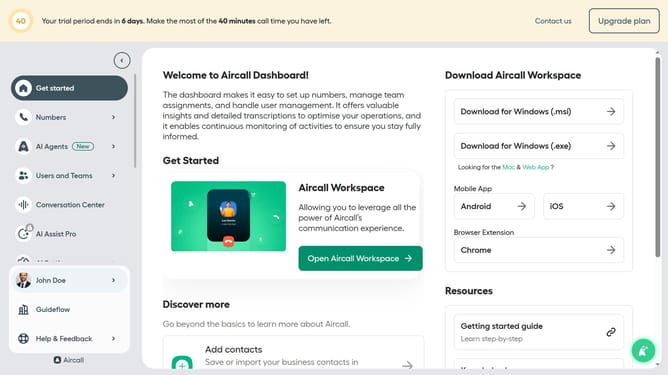
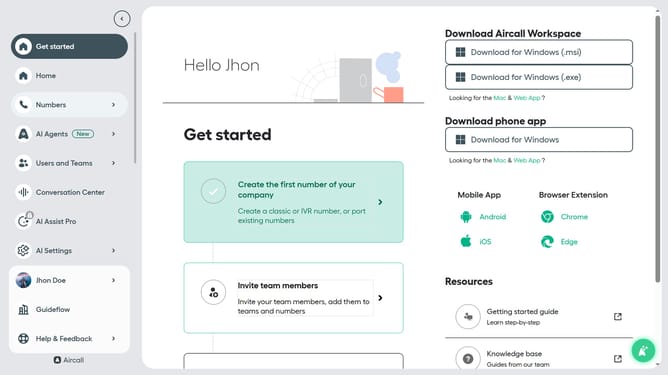
- First, in the left sidebar, click on the "Numbers" item
- Then, click on the "Numbers" tab in the main content area
- Next click on the name of the number you want to manage from the table
- Click on the "Edit" button in the top right corner
- Then, click on the IVR box in the flowchart
- Next click on the "Voice" dropdown
- Then select from the voice dropdown options
- Finally, click on the "Publish" button
Why should you change voice of a standard IVR in Aircall
Aircall is a versatile cloud-based phone system that enhances communication for businesses.
The ability to change the voice of a standard IVR in Aircall allows you to tailor your customer interactions by choosing a voice that aligns with your brand's tone.
This personalization not only elevates the caller experience but also reinforces brand consistency, making each call more engaging and memorable.
With this feature, you can ensure every customer feels welcomed and valued, fostering a positive impression from the start.
Last update