How to change language of a standard IVR in Aircall
Here is how to change language of a standard ivr in aircall
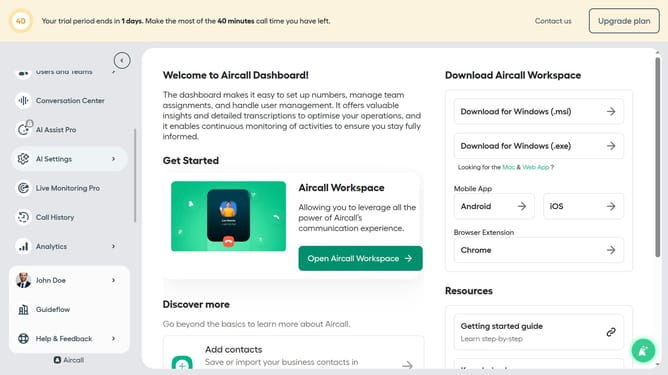
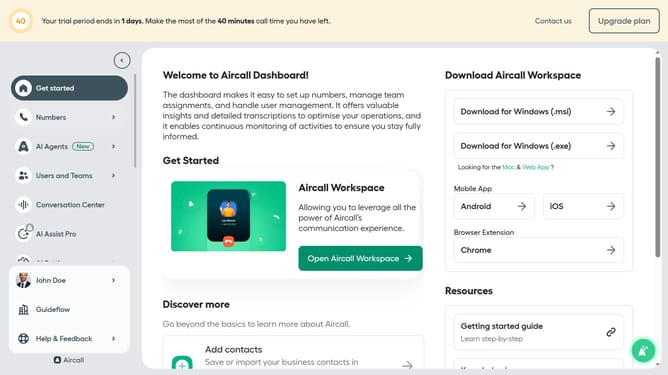
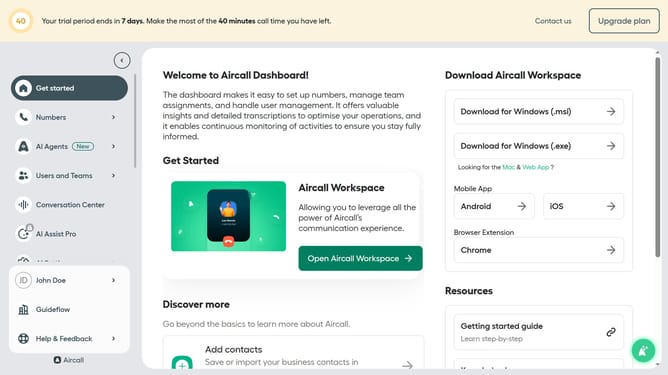
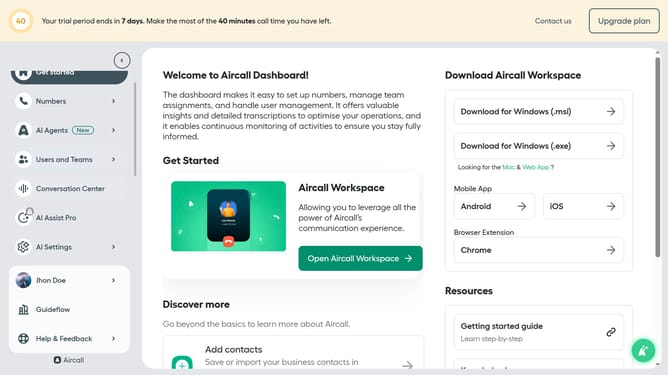
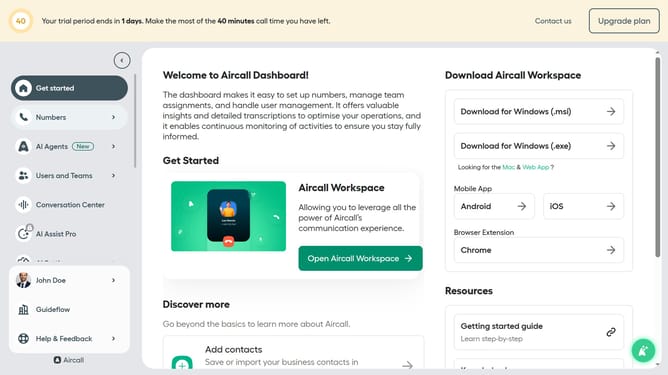
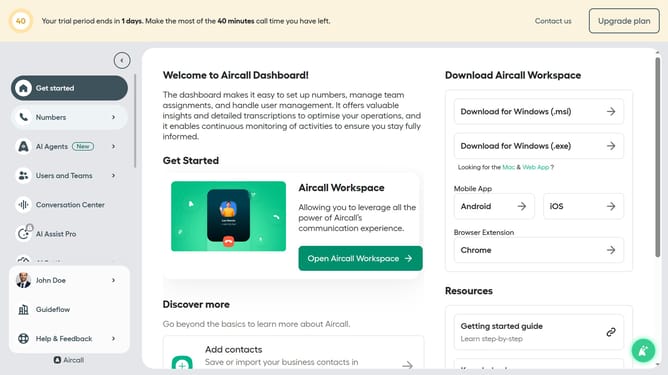
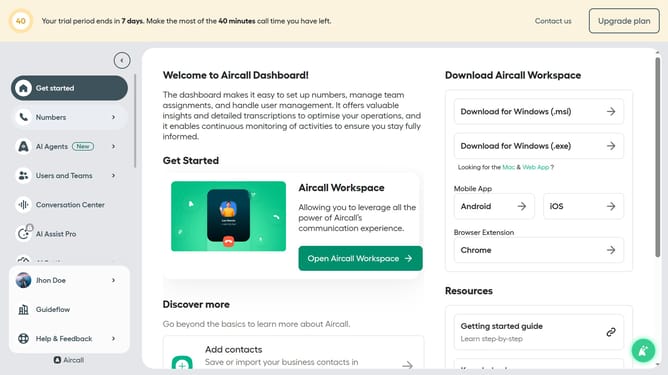
- First click on the "Numbers" item in the left sidebar
- Then click on the "Numbers" tab in the main content area
- Next click on the name of the number you want to manage from the table
- Then click on the "Edit" button
- After that, click on the IVR box in the flow editor
- Then click on the "Language" dropdown menu in the right panel
- Next, select from the language options
- Finally, click on the "Publish" button
Why should you change language of a standard IVR in Aircall
Aircall is a powerful cloud-based phone system designed for modern businesses, streamlining communication.
One significant feature of Aircall is its ability to change the language of a standard Interactive Voice Response (IVR) system effortlessly. This feature ensures that businesses can cater to a diverse audience by providing a seamless experience in their preferred language.
Adapting the IVR language can greatly enhance customer satisfaction, reduce misunderstandings, and solidify relationships with a global clientele.
This flexible feature highlights Aircall's commitment to inclusivity and efficient communication, empowering businesses to expand their reach and improve client interactions worldwide.
Last update