How to create a local phone number in Aircall
Here is how to create a local phone number in aircall
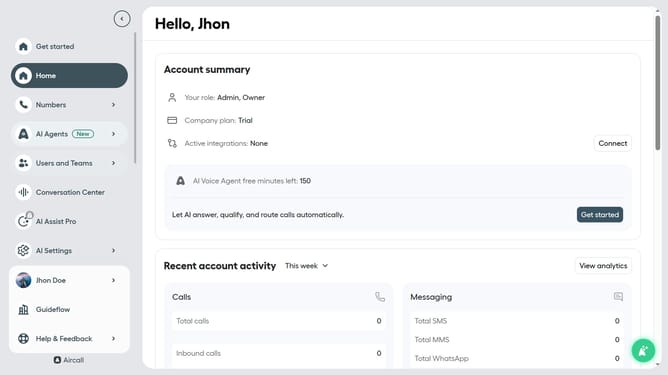
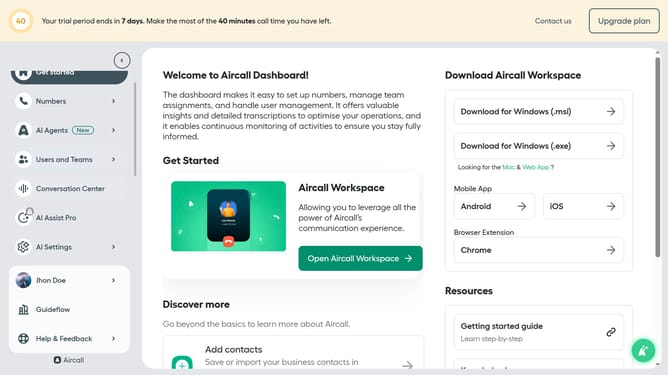
- First, click on "Numbers" in the left sidebar
- Then, click on the highlighted "Numbers" tab
- Next, click on the "Create or port a number" button in the header
- Then, select "Create a number" from the dropdown menu
- Click on the dropdown arrow next to "Country"
- Select from the list of countries
- Click on the dropdown arrow next to "Select a Number Type"
- Then, select "Local" from the list of number types
- Click on the dropdown arrow next to "State"
- Then, select from the list of states
- Click on the dropdown arrow next to "City/Region"
- Next select from the list of cities
- Click on the "Next" button
- Then, click on the input field and input a name for your number
- Click on the "Create number" button
- Finally, click "Set up number"
Why should you create a local phone number in Aircall
Aircall is a powerful cloud-based phone system designed to enhance seamless business communications.
The ability to create local phone numbers within Aircall offers users the advantage of establishing a local presence, which fosters trust and accessibility for clients and partners. This feature allows organizations to connect with local markets effortlessly, projecting professionalism and boosting brand perception.
Moreover, having a local phone number can significantly improve customer relations and drive business growth by ensuring easy communication for customers. Whether for expanding into new regions or strengthening existing connections, Aircall’s local number feature is truly beneficial.
Last update