How to change prompt message in an input IVR in Aircall
Here is how to change prompt message in an input ivr in aircall
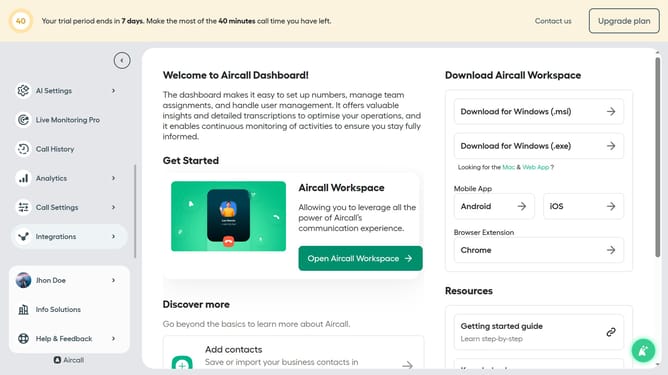
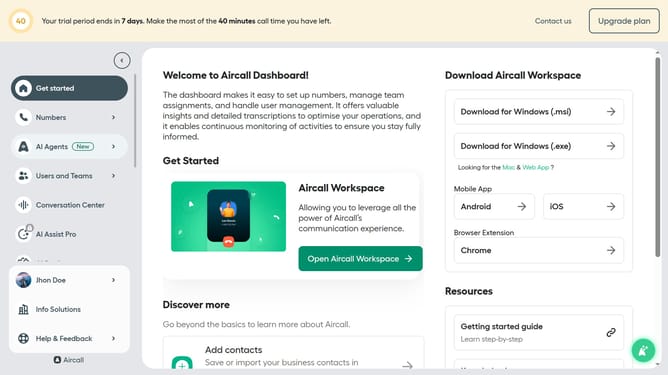
- First click on the "Numbers" item in the left sidebar
- Then click on the "Numbers" tab
- Next click on the name of the number you want to manage from the table
- Then click on the "Edit" button
- Then click on the "Input IVR" node
- Then click on the prompt message input field and edit it
- Finally click on the "Publish" button in the top right corner
Why should you change prompt message in an input IVR in Aircall
Aircall is a dynamic cloud-based phone solution designed to enhance business communication.
One of its standout features is the ability to effortlessly change the prompt message in an input IVR. This functionality allows businesses to keep their communication relevant and timely, catering to evolving customer needs.
Utilizing this feature ensures a personalized customer experience and helps streamline inbound calls by directing clients efficiently, reducing wait times, and enhancing overall satisfaction.
Last update