How to set farewell message in messaging AI in Aircall
Here is how to set farewell message in messaging ai in aircall
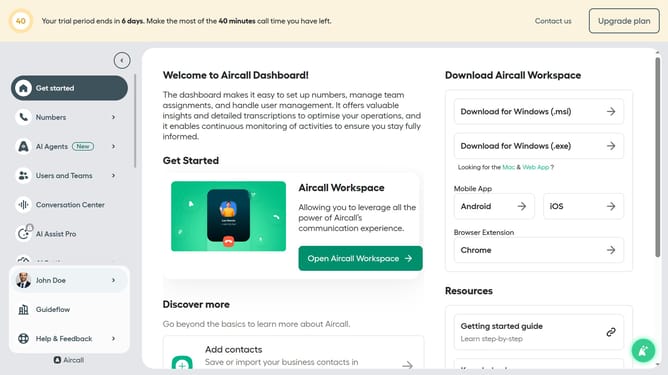
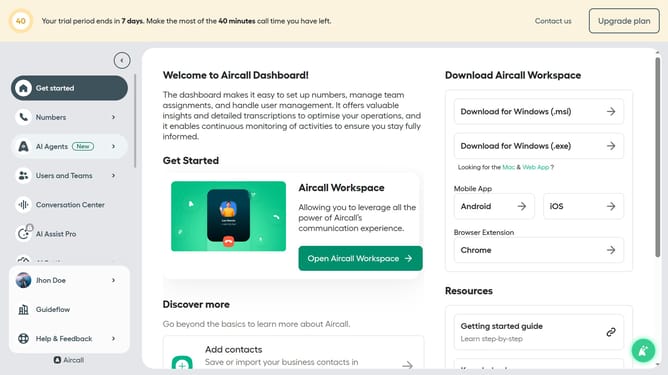
- First click on "AI Agents" in the sidebar
- Then click on "AI Messaging Agents" which appeared in the sidebar
- Next, click on the "Guideflow Messaging AI" row in the table
- Then, click on "Messaging script" in the left-side menu
- Then click on the "Farewell message" text area and edit it
- Finally click on the "Save" button
Why should you set farewell message in messaging AI in Aircall
Aircall is a cloud-based phone system designed for modern businesses offering seamless communication solutions.
A key feature is setting a farewell message in messaging AI, ensuring every interaction concludes on a positive note.
This feature enhances professionalism by providing consistent and courteous sign-offs, reinforcing brand trust with customers.
Using farewell messages assures clients that their interactions are valued, leaving a lasting positive impression on your business.
Last update