How to add additional contact number on a contact in Aircall
Here is how to add additional contact number on a contact in aircall
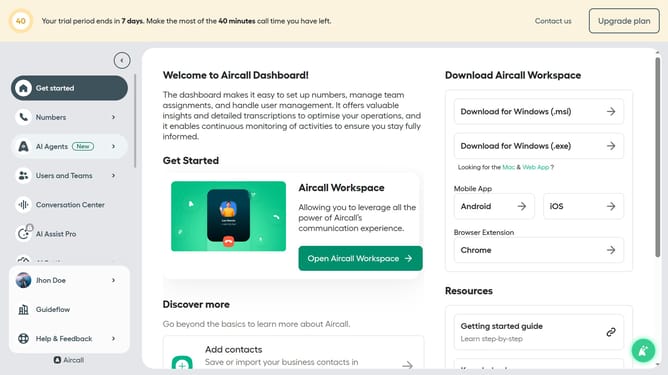
- First click on "Open Aircall Workspace" button
- Then click on "Contacts" item in the left sidebar
- Then click on the contact that you want to manage
- Then click on "Edit contact" button
- Then click on the "+ Add number" button
- Then click on the number input field to modify the secondary number
- Finally click on the "Save" button
Why should you add additional contact number on a contact in Aircall
Aircall is a cutting-edge cloud-based phone platform designed to streamline business communication effortlessly.
An essential feature is the ability to add additional contact numbers for a contact, enhancing flexibility and efficiency in managing connections.
With multiple contacts consolidated in one place, users can effortlessly distinguish business and personal calls, fostering professional relationships while minimizing communication hiccups.
This feature promotes a seamless workflow, saving time and ensuring that vital conversations are never missed.
Last update