How to allow agents to start and pause outgoing call recordings in Aircallc
Here is how to allow agents to start and pause outgoing call recordings in aircallc
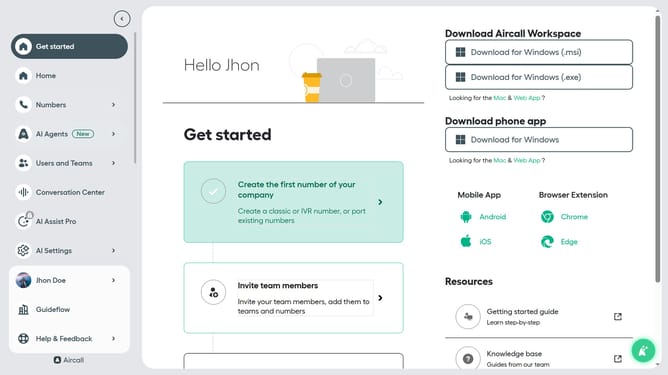
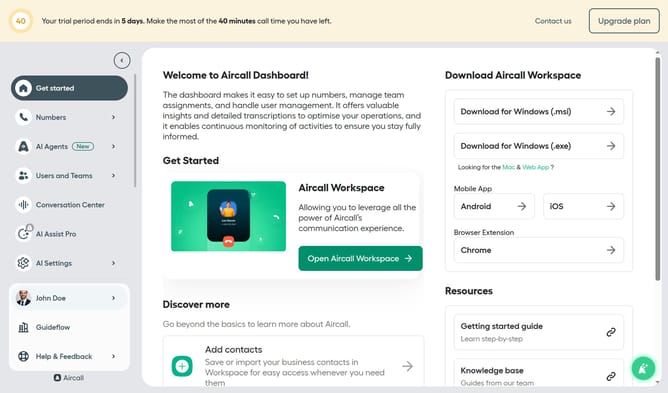
- First click on "Numbers" item in the left sidebar
- Then click on "Numbers" in the content area
- Next click on the name of the number you want to manage
- Then click on "Settings" tab
- Finally click on the toggle ON for "Allow agents to start and pause recording"
Why should you allow agents to start and pause outgoing call recordings in Aircallc
Aircall is a cloud-based phone system designed to enhance communication and collaboration.
Allowing agents to start and pause outgoing call recordings provides flexibility and control in customer interactions. This feature ensures that sensitive information remains confidential, boosting trust and compliance with regulatory standards.
Additionally, it empowers agents to engage in candid conversations without the pressure of continuous recording, thereby enhancing the overall call quality and improving agent morale and customer satisfaction.
Last update