How to disable email notification for daily summary of calls to follow up in Aircall
Here is how to disable email notification for daily summary of calls to follow up in aircall
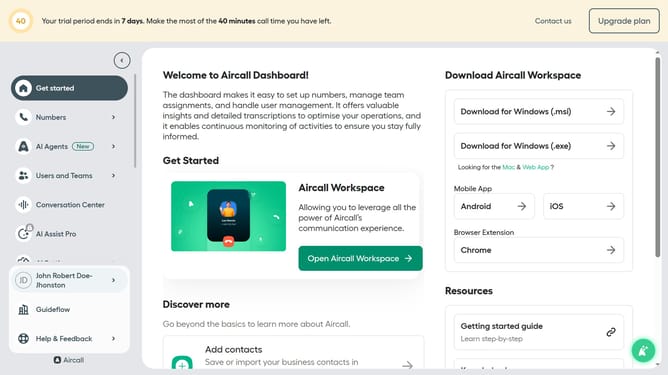
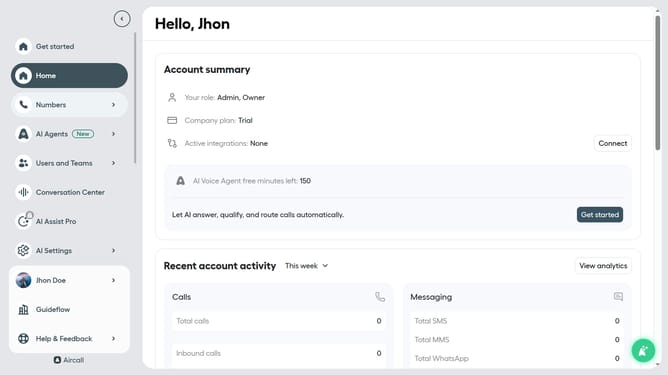
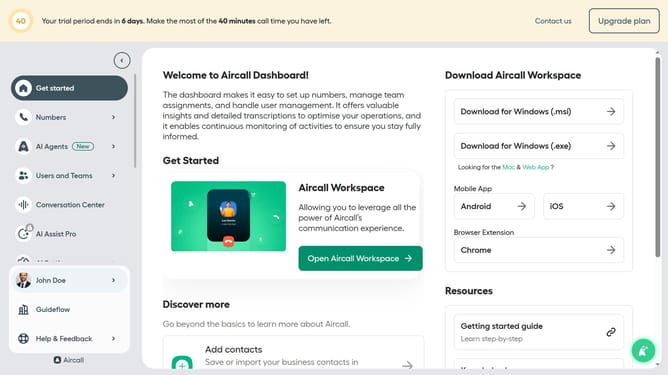
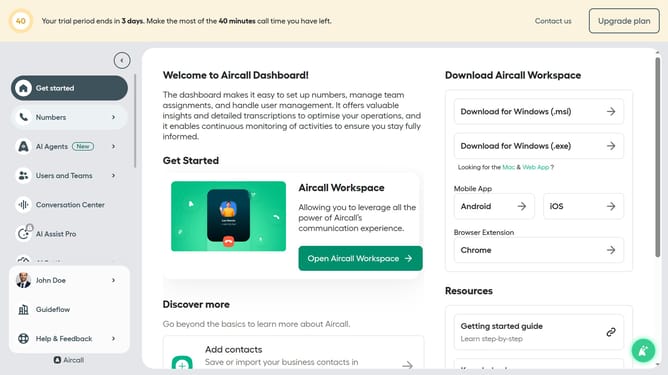
- First click on the user profile icon labeled "John Doe" in the sidebar
- Then click on "Edit profile" from the dropdown menu
- Next select the "Notifications" tab in the profile settings
- Finally, toggle the switch for "Every morning receive a list of calls to follow up" to disable it
Why should you disable email notification for daily summary of calls to follow up in Aircall
Aircall seamlessly integrates with your business to enhance the quality and efficiency of your phone communications.
A handy feature in Aircall allows you to disable email notifications for the daily summary of calls to follow up. This feature is perfect if you want to streamline your inbox and focus only on the notifications that matter most to you.
By turning off these email notifications, you can reduce distractions and improve your workflow while still accessing important information directly within the Aircall platform, ensuring you remain organized and efficient.
Last update