How to disable email notification for outbound, inbound, and missed calls in Aircall
Here is how to disable email notification for outbound, inbound, and missed calls in aircall
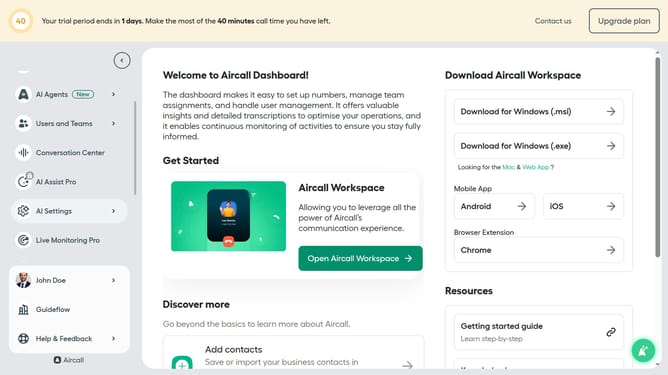
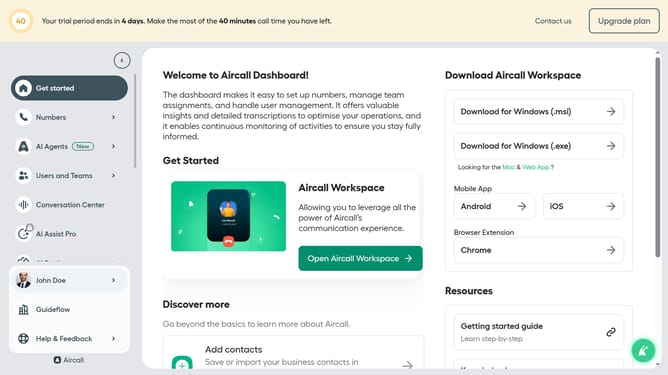
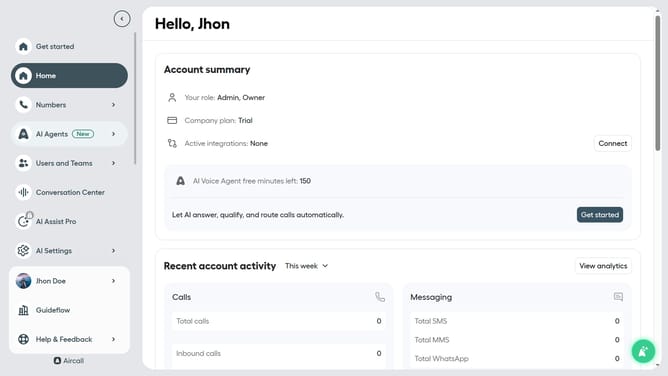
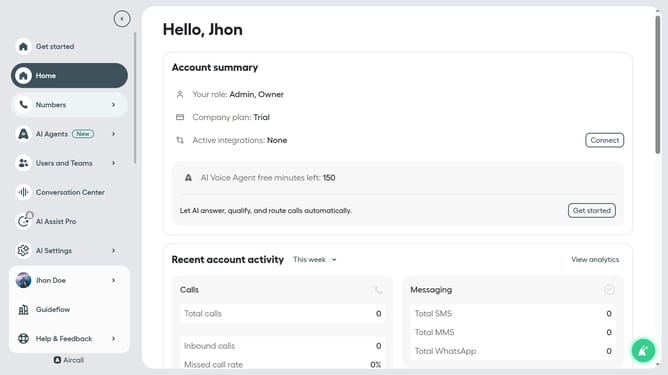
- First click on your user profile in the left sidebar
- Then click on the "Edit profile" option from the dropdown menu
- Next click on the "Notifications" tab in the profile settings
- Finally click on the toggle switch OFF for "Activity report" to disable it
Why should you disable email notification for outbound, inbound, and missed calls in Aircall
Aircall is a leading cloud-based phone system that simplifies communication for businesses worldwide.
Disabling email notifications for outbound, inbound, and missed calls in Aircall can declutter your inbox by reducing unnecessary emails.
This feature allows team members to streamline communication by accessing call information directly within the Aircall app, boosting efficiency without constant email alerts.
By adjusting these settings, you enhance productivity and focus more on crucial tasks without interruption.
Last update