How to add product and services in Aircall
Here is how to add product and services in aircall
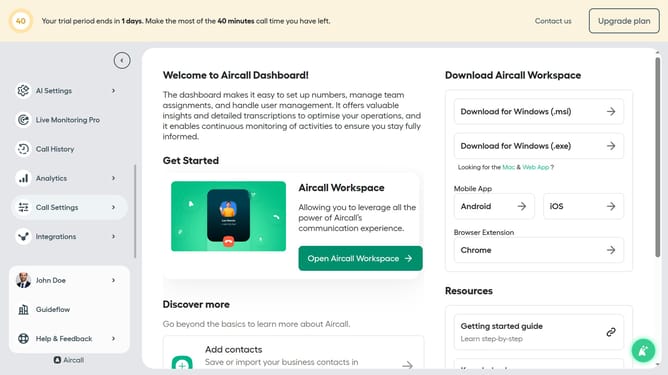
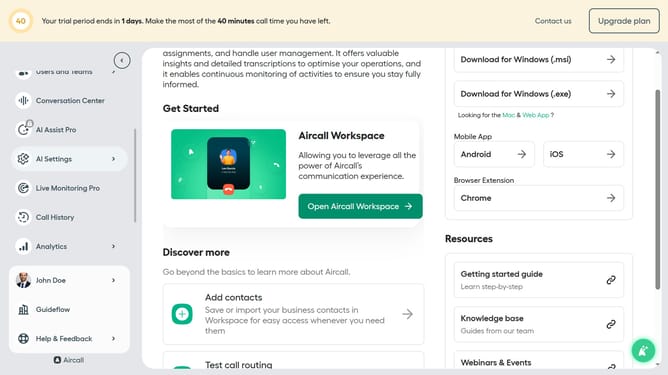
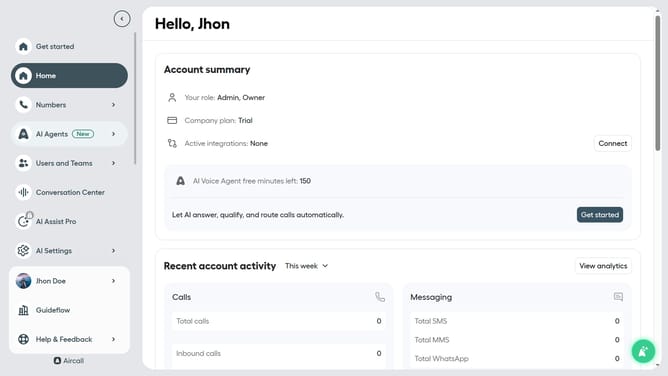
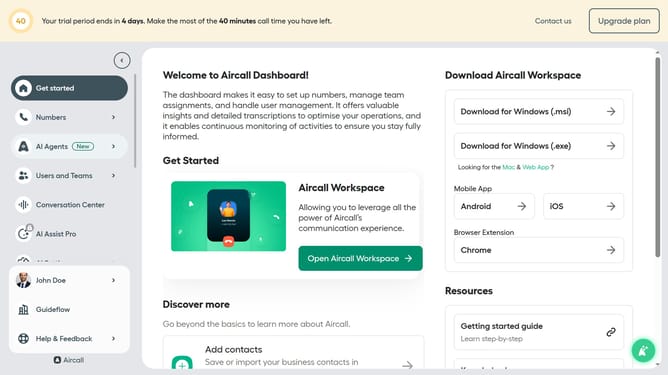
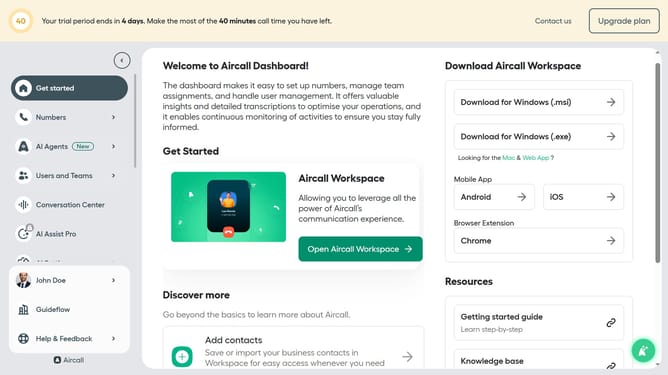
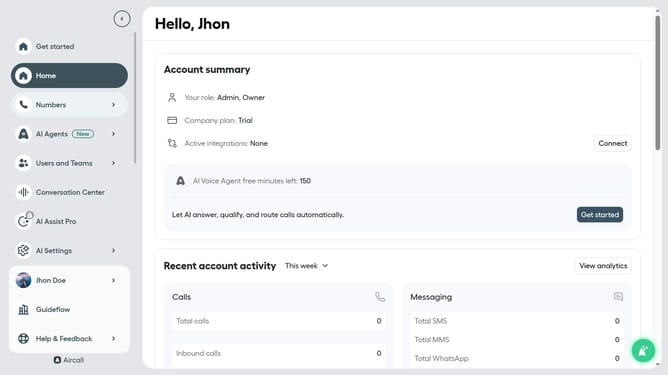
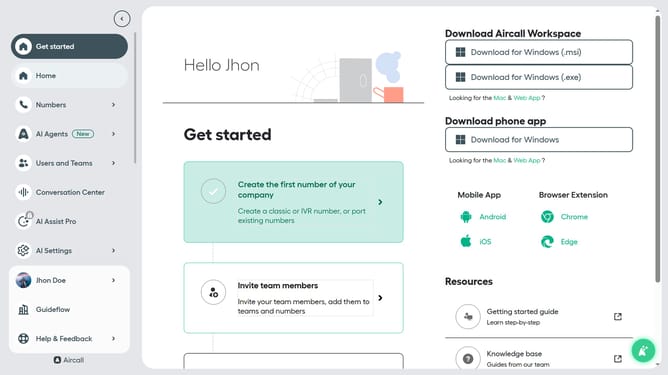
- First click on "AI Settings" in the left sidebar
- Then click on "Company context" in the dropdown menu
- Then click and type in the "Products and services" text area
- Finally click on "Save changes" button
Why should you add product and services in Aircall
Aircall is a cloud-based phone system designed to make communication more efficient and streamlined for businesses.
Adding products and services in Aircall allows businesses to create tailored experiences for their customers by integrating sales and support processes directly into their phone systems. This feature empowers customer service teams to deliver precise and timely assistance, enhancing overall customer satisfaction.
By utilizing this capability, companies can better manage their offerings, ensuring smoother operations and a more personalized approach to customer interactions.
Last update