How to set call ring length for an agent in Aircall
Here is how to set call ring length for an agent in aircall
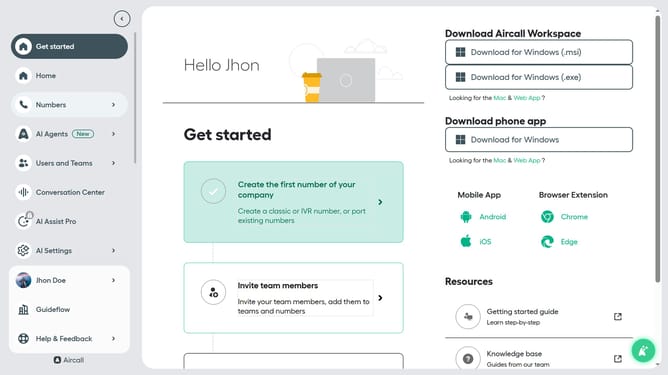
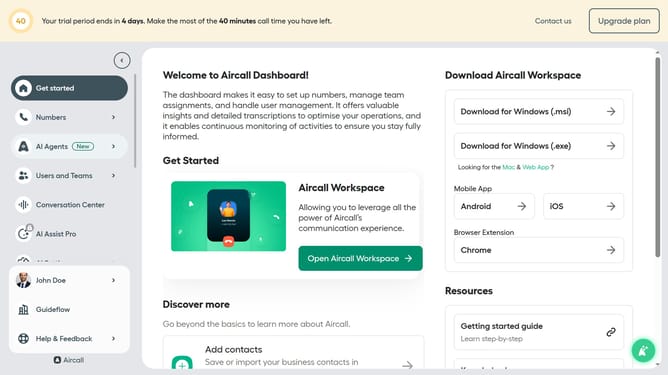
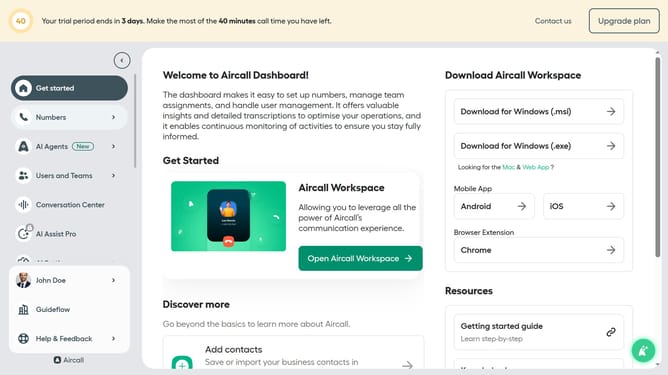
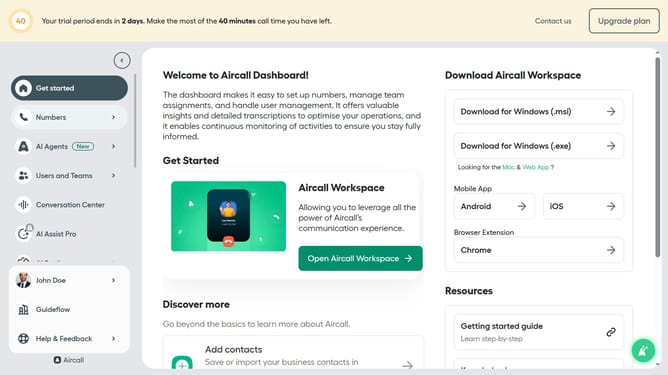
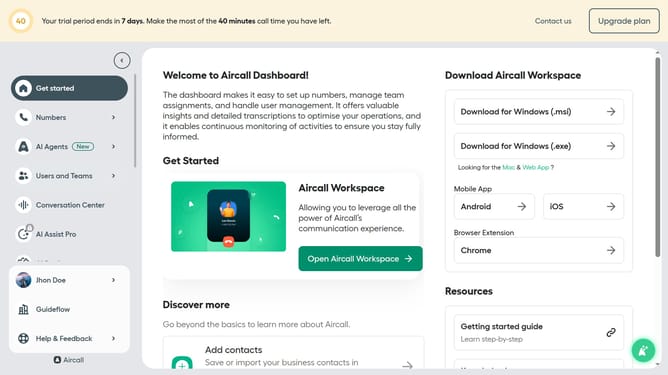
- First click on "Numbers" item in the left sidebar
- Then click on the "Numbers" submenu item
- Next click on the name of the number you want to manage from the table
- Then click on the "Edit" button
- Then click on the "Ring to" section of the smartflow editor
- Then click on the "Ring for" input field and edit it
- Finally click on the "Publish" button
Why should you set call ring length for an agent in Aircall
Aircall transforms how businesses interact with clients by providing a cloud-based phone system designed for better customer communication.
Adjusting the call ring length for an agent allows businesses to optimize response times within Aircall, enhancing both customer experience and operational efficiency.
By tailoring ring duration, agents can manage calls more effectively, ensuring that no call is overlooked and every interaction is timely. This flexibility aids in minimizing missed calls and can drastically boost team productivity.
Overall, setting the call ring length in Aircall empowers businesses to refine their customer service operations, marrying convenience with reliability.
Last update