How to create a toll free phone number in Aircall
Here is how to create a toll free phone number in aircall
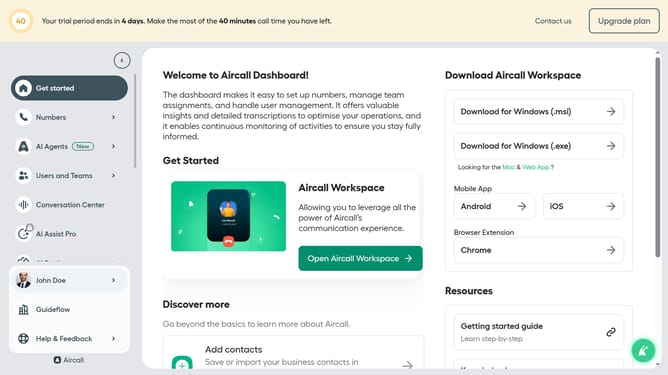
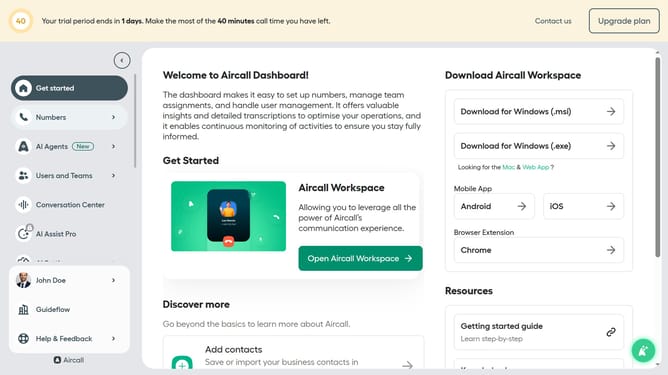
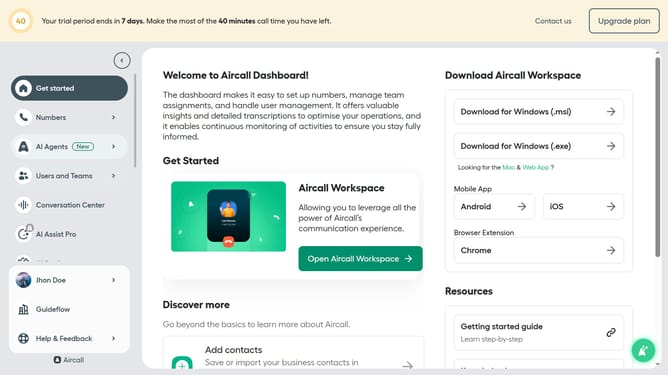
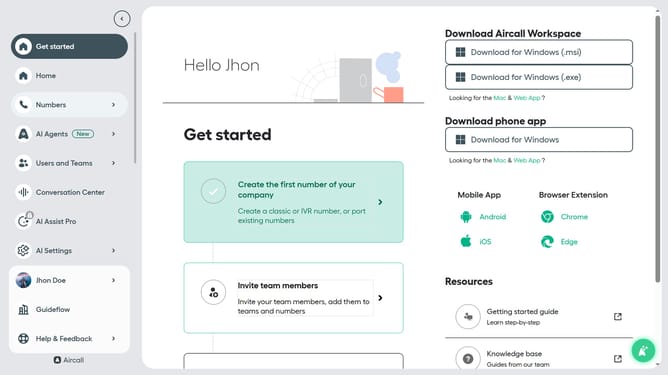
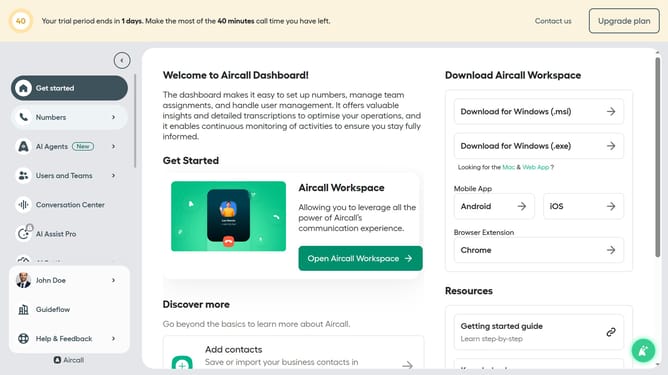
- First click on "Numbers" in the left sidebar
- Then click on the "Numbers" item in the dropdown menu
- Next click on the "Create or port a number" button
- Then select "Create a number" from the dropdown
- Then click the dropdown arrow next to "Country"
- Then select from the list of countries
- Then click the dropdown arrow next to "Select a Number Type"
- Then select "Toll free" from the list of number types
- Then click the dropdown arrow next to "Select a Region"
- Then select "Toll-Free (888)" from the list of toll-free numbers
- Then click the "Next" button
- Then click on the text input field labeled and enter the name of your number
- Finally click on the "Create number" button
Why should you create a toll free phone number in Aircall
Aircall is a versatile cloud-based phone system designed to enhance business communication effortlessly.
Creating a toll-free number in Aircall is a seamless feature that makes customer interactions more accessible and removes barriers to contact.
This functionality is invaluable for businesses aiming to project a professional image while ensuring that clients can reach them without incurring charges.
The simplicity and efficiency of setting up toll-free numbers in Aircall can improve customer satisfaction and potentially increase engagement rates.
Last update