How to delete a phone number in Aircall
Here is how to delete a phone number in aircall
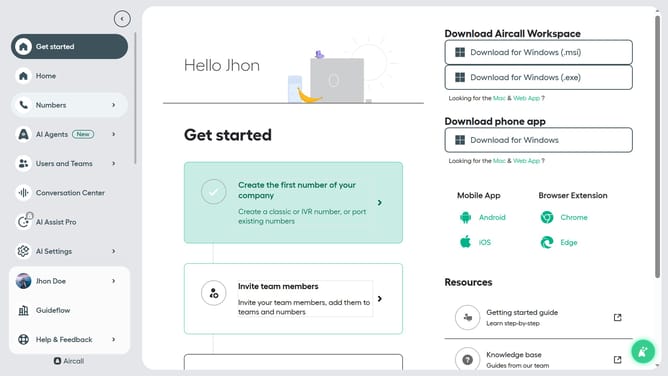
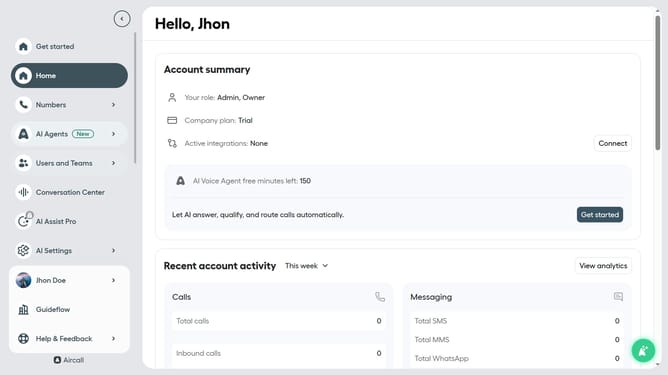
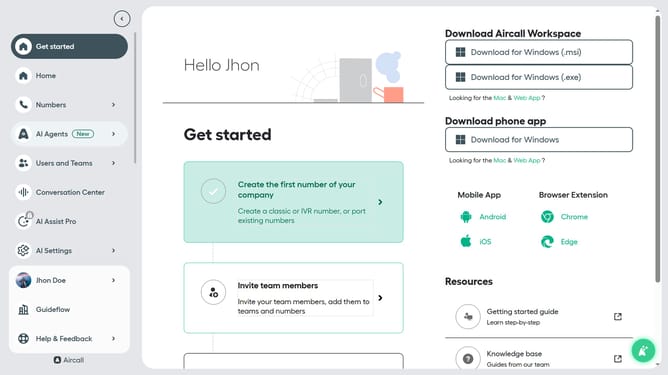
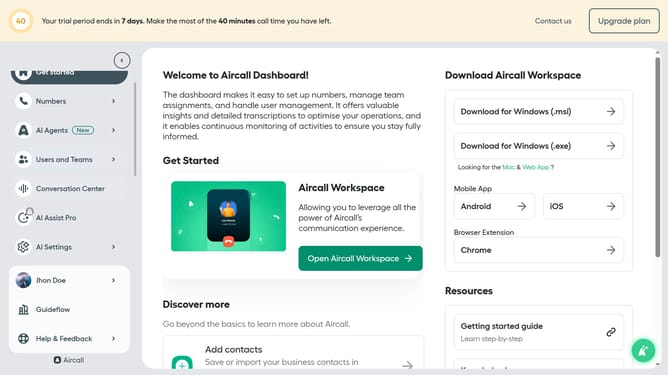
- First click on "Numbers" in the left sidebar
- Then click on "Numbers" in the main menu
- Then click on the three dots icon next to the number you want to delete
- Then click on "Delete" in the pop-up menu
- Finally click on the "Delete" button to confirm
Why should you delete a phone number in Aircall
Aircall is a cloud-based phone solution designed to streamline communication and enhance team collaboration.
Deleting a phone number in Aircall is a straightforward feature that offers flexibility in managing your communication channels.
Removing unnecessary or outdated numbers helps maintain an organized contact list, ensuring efficient operations.
This feature also aids in maintaining data relevance by allowing users to update their contact information with ease.
Last update