How to set your country prefix in Aircall
Here is how to set your country prefix in aircall
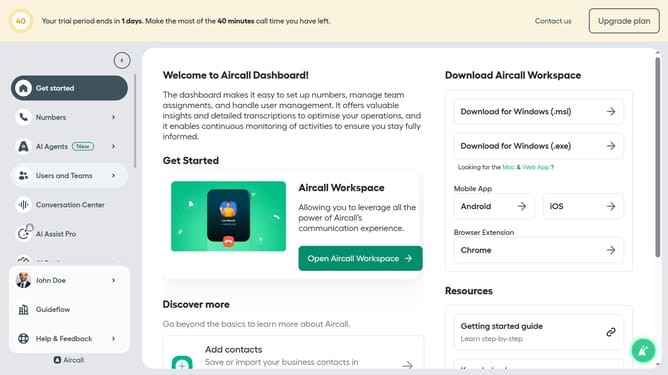
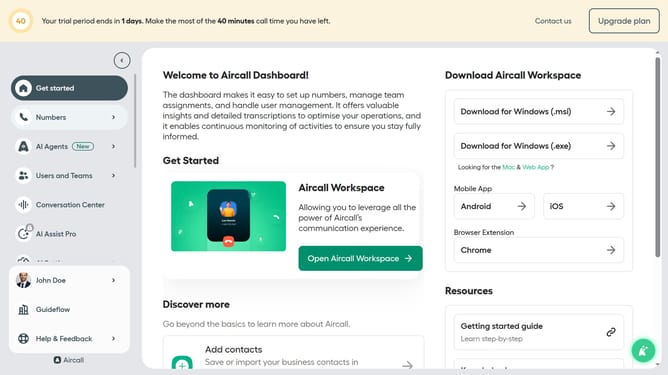
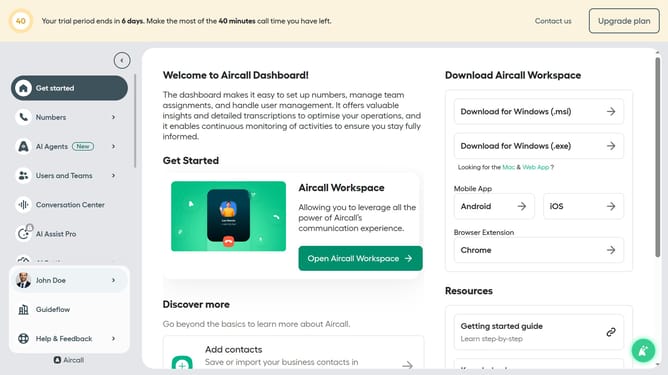
- First click on your user profile in the left sidebar
- Then select "Edit profile" from the dropdown menu
- Next, click on the "Call preferences" tab
- After that, click on the "Select country" dropdown
- Then select a country from the list of countries
- Finally, click on the "Save changes" button
Why should you set your country prefix in Aircall
Aircall is a cloud-based phone system designed to enhance communication for businesses of all sizes.
Setting your country prefix in Aircall ensures that your calls are displayed with the correct international dialing code.
This feature not only streamlines the dialing process but also maintains consistency and professionalism in your business communications.
By using the appropriate country prefix, your calls are more likely to be recognized and answered, ultimately leading to smoother interactions and improved relationships with global clients.
Last update