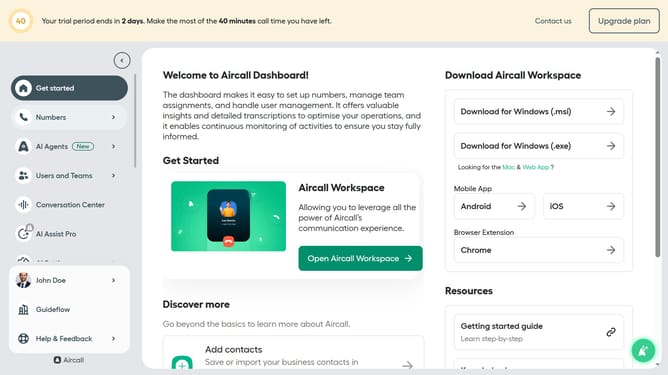
How to add a user for call and data access for a number in Aircall
Here is how to add a user for call and data access for a number in aircall
- First click on "Numbers" item in the left sidebar
- Then click on "Numbers" to open the list of numbers
- Then click on "Client Care Service" to view its details
- Then click on "Teams & Users" tab
- Then click on "Add a user" button
- Then click on the dropdown for user selection under "Call and data access"
- Then select from the list of users
- Finally click on "Add" button
Why should you add a user for call and data access for a number in Aircall
Aircall is a flexible and reliable phone system designed to elevate business communication.
The feature of adding a user for call and data access on a specific number effortlessly expands communication capabilities. With streamlined user management, teams can efficiently collaborate, ensuring that every call is answered and tracked seamlessly.
This feature is invaluable for businesses looking to enhance customer interaction, as it promotes efficient workflow and robust data sharing among team members, ultimately boosting productivity and customer satisfaction.
Last update