How to set help first escalation transfer in AI voice agent in Aircall
Here is how to set help first escalation transfer in ai voice agent in aircall
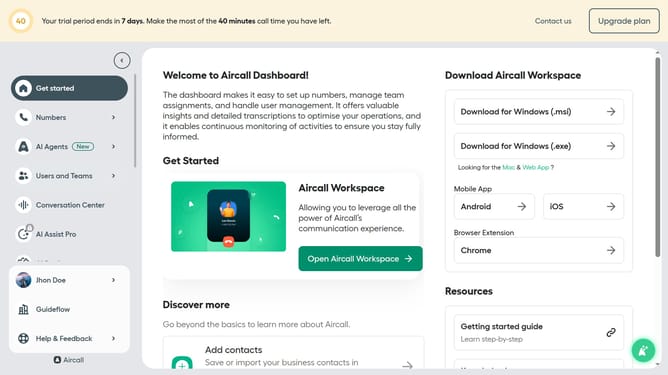
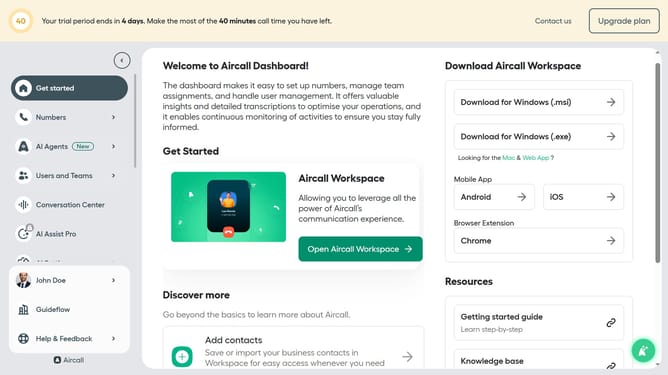
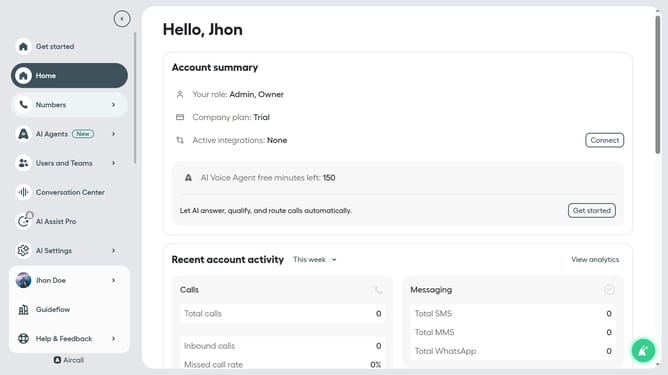
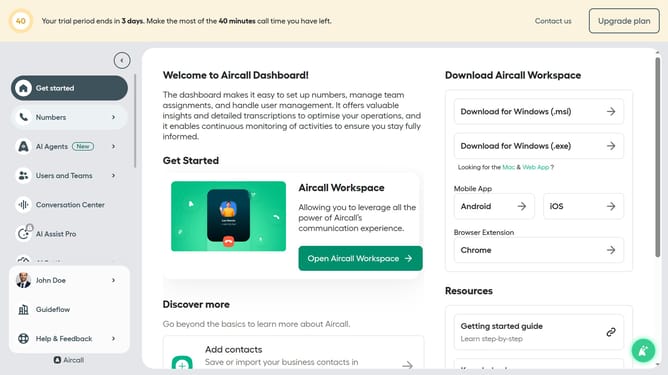
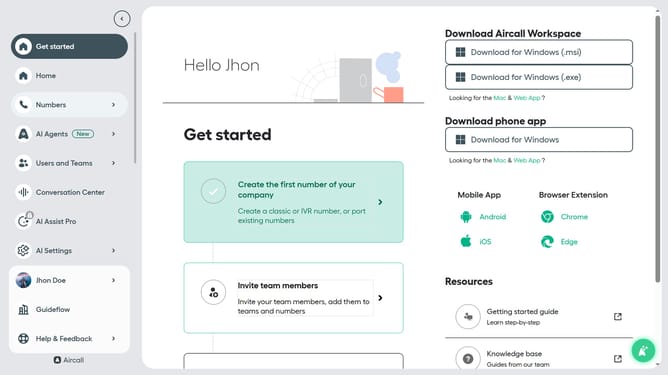
- First, click on "AI Agents" in the left sidebar
- Then, click on the "AI Voice Agents" option
- Next, click on the "Call transfer rules" option in the left panel
- Next, select the "Help first" radio button
- Finally, click on the "Save" button at the bottom of the page
Why should you set help first escalation transfer in AI voice agent in Aircall
Aircall is a cutting-edge cloud-based phone system designed to streamline communication for businesses of all sizes.
Setting a help-first escalation transfer in the AI voice agent ensures urgent issues are promptly addressed by prioritizing assistance from human agents.
This feature enhances customer satisfaction by reducing wait times and delivering a personalized experience.
Employing this smart approach optimizes team efficiency and fortifies client relationships, demonstrating the value Aircall brings to dynamic business environments.
Last update