How to stop from automatically recording incoming calls in Aircall
Here is how to stop from automatically recording incoming calls in aircall
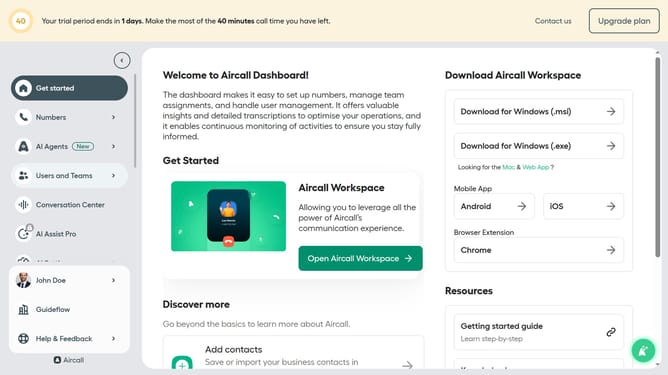
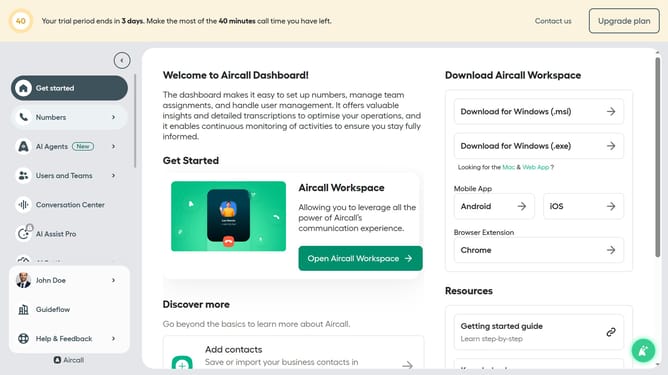
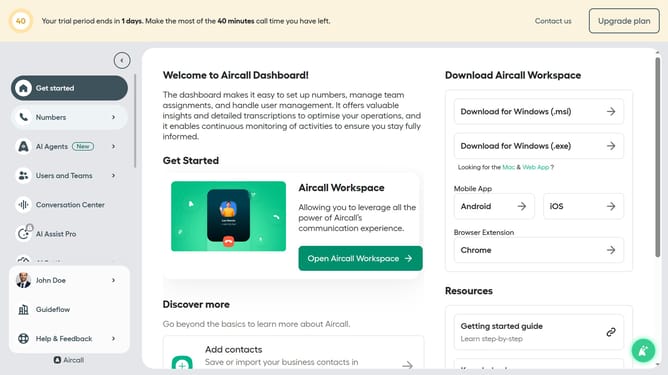
- First click on "Numbers" in the left sidebar
- Then click on the "Numbers" tab located in the header
- Next click on the name of the number you want to manage
- Then click on the "Settings" tab
- Finally, toggle the "Start recording automatically" switch to the OFF position
Why should you stop from automatically recording incoming calls in Aircall
Aircall is a cloud-based phone system designed to simplify and enhance communication for businesses of all sizes.
One of its essential features is the ability to manage call recording preferences, including stopping automatic recordings for incoming calls. This feature provides flexibility in maintaining privacy and meeting regulatory compliance.
By controlling call recordings, businesses can ensure they only capture necessary interactions, fostering trust and adhering to legal standards, while still benefiting from Aircall's seamless integration into their communication strategies.
Last update