How to change accent in an outbound AI voice agent in Aircall
Here is how to change accent in an outbound ai voice agent in aircall
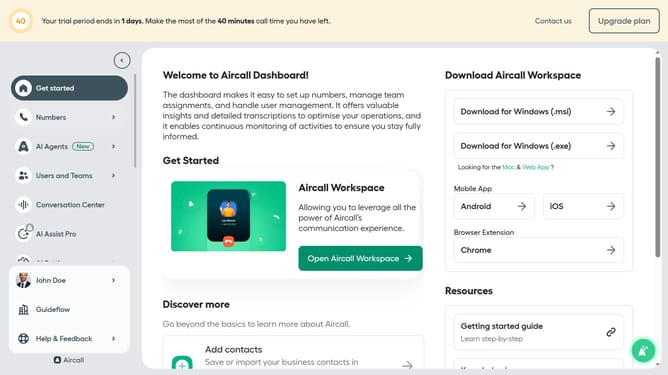
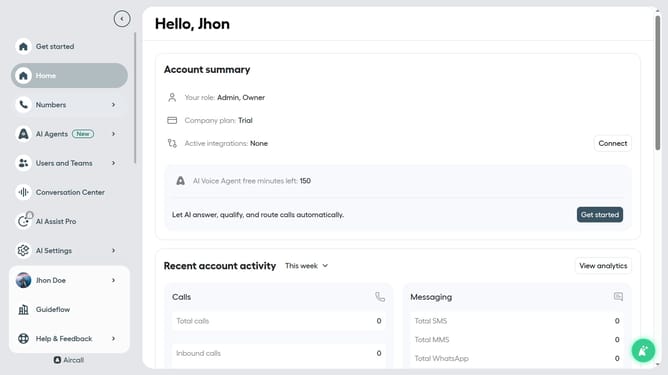
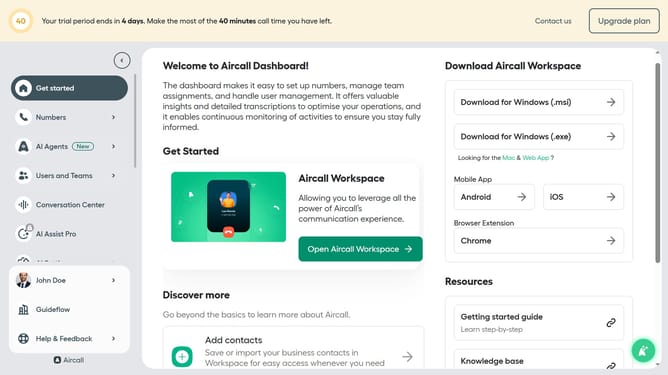
- First click on "AI Agents" item in the left sidebar
- Then click on "AI Voice Agents" to expand the options
- Then click on the dropdown arrow next to "Accent" section
- Then click on the dropdown arrow next to "American.." in the Accent section
- Next select from the accent options
- Finally, click on the "Save" button to apply the changes
Why should you change accent in an outbound AI voice agent in Aircall
Aircall empowers businesses with seamless, cloud-based communication solutions tailored for modern teams.
One of Aircall's standout features is the ability to change the accent of its outbound AI voice agents, ensuring that clients hear a voice that is familiar and comfortable.
This personalization enhances customer experience by building rapport and reducing potential miscommunications, cultivating smoother conversations.
By employing diverse accents, businesses can cater to a global audience, fostering inclusivity and strengthening brand presence across various regions.
Last update