How to edit company name in an outbound AI voice agent in Aircall
Here is how to edit company name in an outbound ai voice agent in aircall
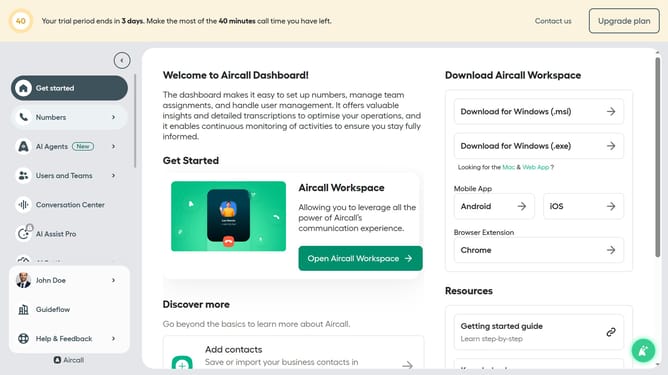
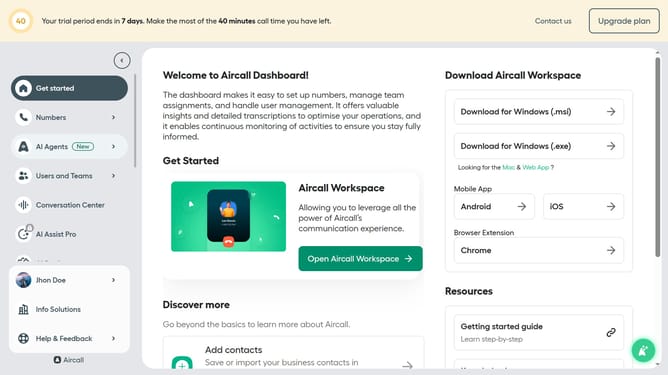
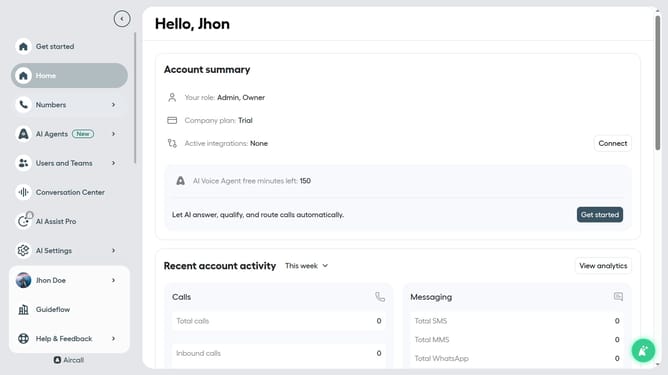
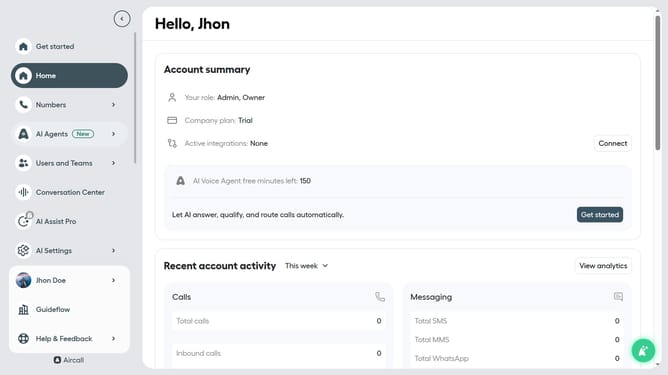
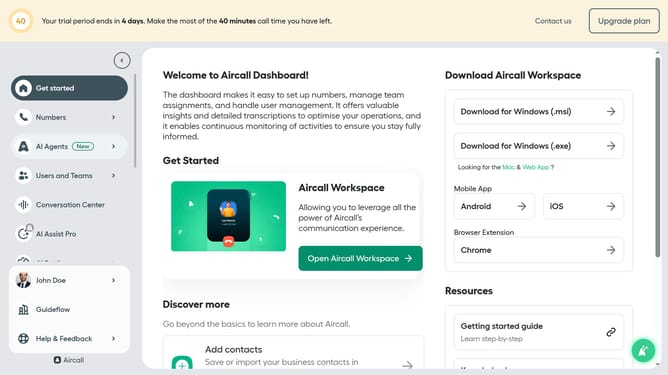
- First click on "AI Agents" under the Navigation sidebar
- Then click on "AI Voice Agents" under the sub menu
- Next, click on outbound AI voice agent from the list
- Then click on the "Company information" section in the left panel
- After that, click on the "Company Name" input field and edit it
- Finally click on the "Save" button
Why should you edit company name in an outbound AI voice agent in Aircall
Aircall is an advanced cloud-based phone system designed to enhance communication for businesses of all sizes.
One of its standout features allows you to effortlessly edit the company name in an outbound AI voice agent, adding a personalized touch to all communications.
This personalization is essential in creating a lasting impression with customers while reinforcing your brand identity.
By ensuring that your company's name is accurately represented, you enhance professionalism and build trust with every call.
Last update