How to transfer escalation after intake questions in AI voice agent in Aircall
Here is how to transfer escalation after intake questions in ai voice agent in aircall
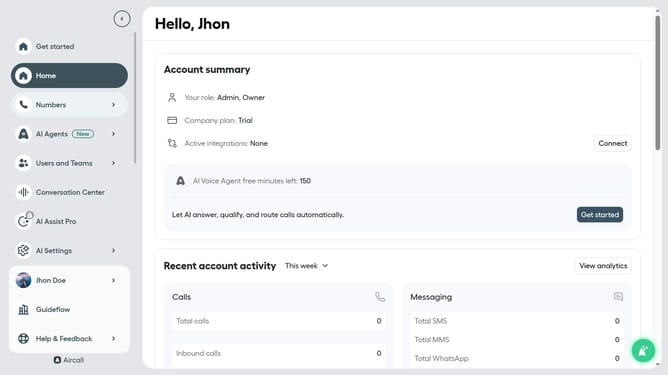
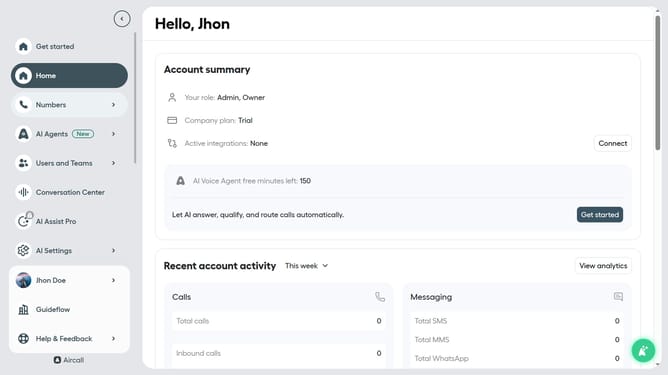
- First click on "AI Agents" item in the sidebar navigation
- Then click on "AI Voice Agents" in the sidebar
- Next click on the voice entry you want to manage
- Then click on the "Call transfer rules" in the left-side menu
- Next, select the "After intake questions" option by clicking on the radio button
- Finally, click on the "Save" button at the bottom of the page
Why should you transfer escalation after intake questions in AI voice agent in Aircall
Aircall revolutionizes business communication with its seamless cloud-based phone system designed for modern teams.
Transferring escalation after intake questions in Aircall's AI voice agent is incredibly efficient. The AI deftly handles initial customer queries, ensuring that only complex issues are escalated to human agents. This optimizes the use of time and resources effectively.
Such a feature enhances customer satisfaction by speeding up response times and ensuring that calls are directed to the most capable representatives. This is particularly invaluable for maintaining high levels of service excellence.
Last update