How to set tone of voice in an AI voice agent in Aircall
Here is how to set tone of voice in an ai voice agent in aircall
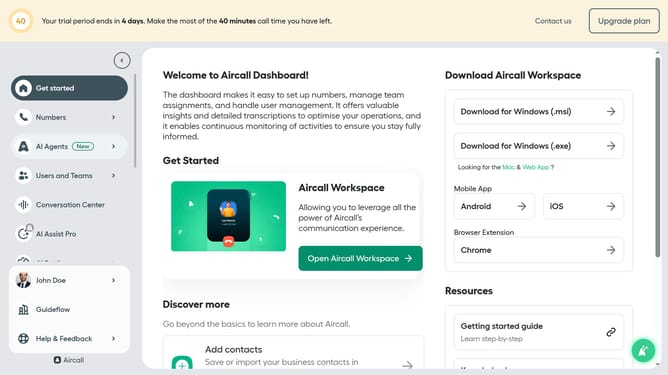
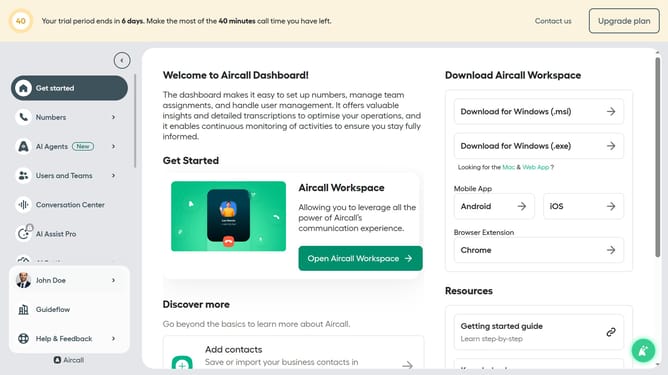
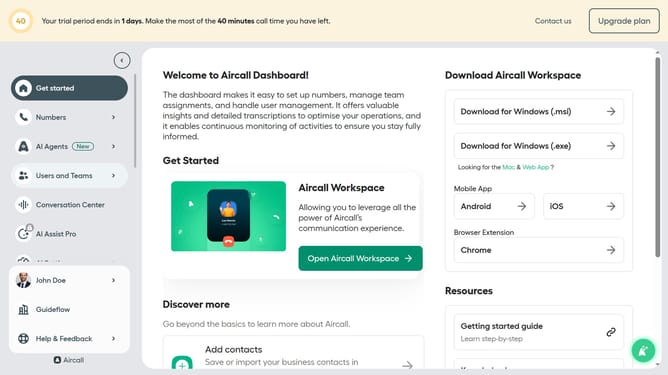
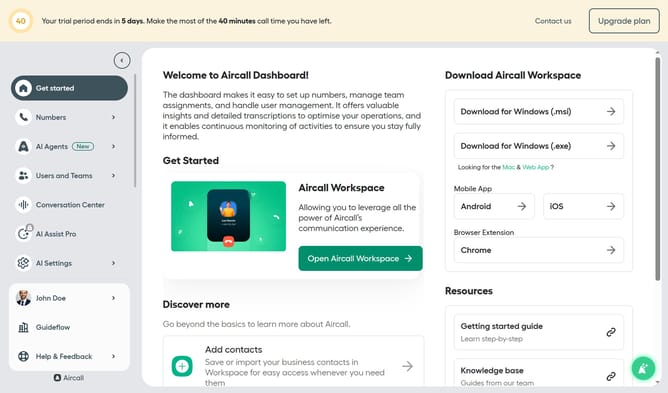
- First click on the "AI Agents" button in the left sidebar
- Then click on "AI Voice Agents" link in the dropdown menu
- Next click on the "Untitled AI voice agent" item in the main content area
- Click on the "Professional" tone of voice option
- Finally, click on the "Save" button
Why should you set tone of voice in an AI voice agent in Aircall
Aircall is an innovative cloud-based phone system designed to optimize business communications.
The AI voice agent in Aircall allows users to customize the tone of voice, providing a personalized approach to client interactions.
Setting the tone involves adjusting the pitch, tempo, and even mood to align with your brand's voice, enhancing customer experience and ensuring consistent communication.
The benefits include fostering stronger connections with customers and conveying a professional image, making each interaction memorable and effective.
Last update