How to set accepted languages in messaging AI in Aircall
Here is how to set accepted languages in messaging ai in aircall
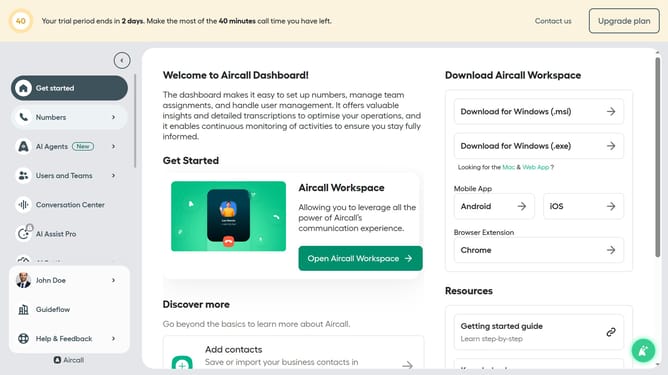
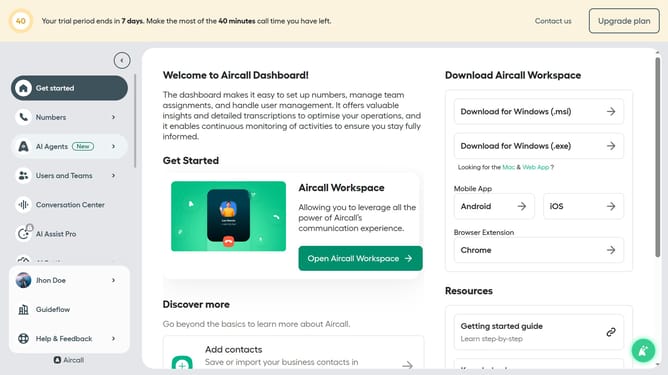
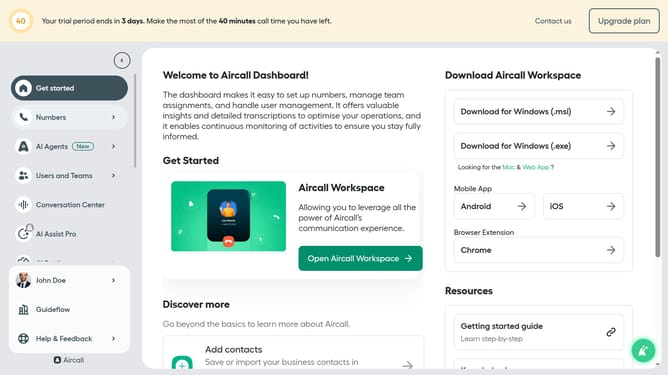
- First click on "AI Agents" in the sidebar menu
- Then click on "AI Messaging Agents"
- Next click on the messaging entry you want to manage
- Then click on the accepted language field
- After that, click the checkbox next to your preferred language to select it
- Finally, click on the "Save" button
Why should you set accepted languages in messaging AI in Aircall
Aircall is a cloud-based phone system designed to simplify and enhance communication for businesses.
The feature allowing users to set accepted languages in messaging AI ensures that communication can be tailored to diverse linguistic needs.
Setting accepted languages enhances user experience by breaking down language barriers, promoting inclusivity, and ensuring clear, personalized interactions. This feature is particularly beneficial in global markets, supporting seamless, effective communication across diverse linguistic audiences.
Last update