How to set voice in an AI voice agent in Aircall
Here is how to set voice in an ai voice agent in aircall
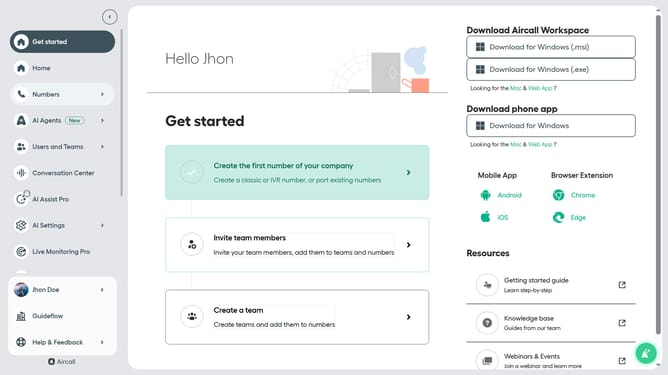
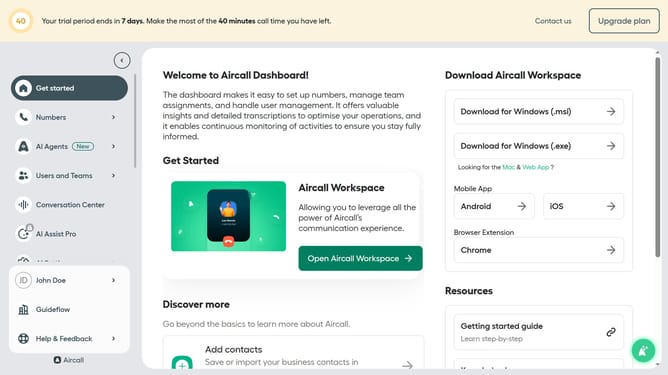
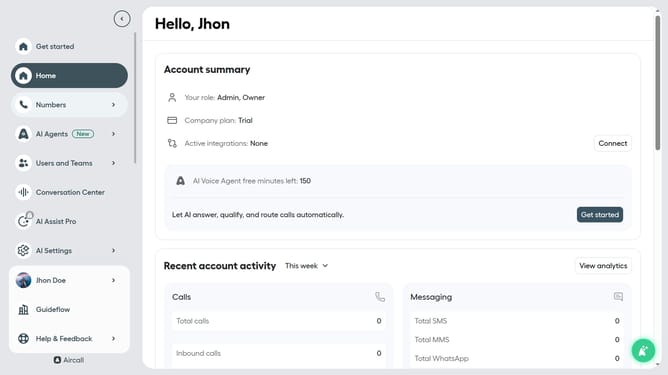
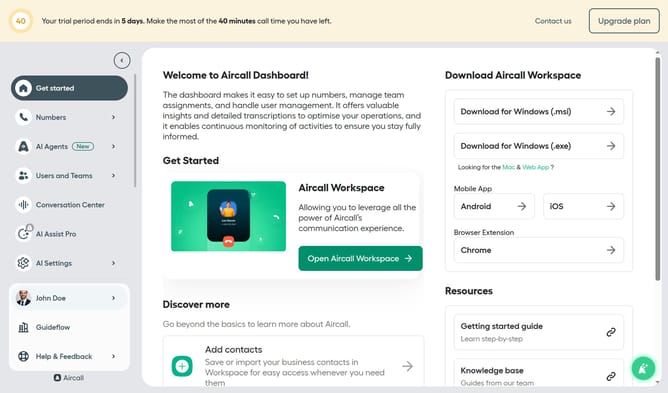
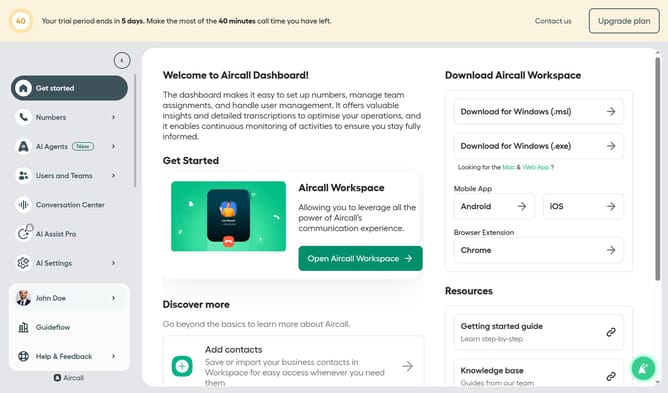
- First click on "AI Agents" item in the sidebar
- Then click on "AI Voice Agents" link in the menu
- Next click on the voice entry you want to manage
- Then click on the "Voice" dropdown menu
- Next select from the voice options
- Finally click on the "Save" button
Why should you set voice in an AI voice agent in Aircall
Aircall revolutionizes business communication with its sophisticated cloud-based phone system.
The ability to set voice in an AI voice agent within Aircall ensures personalized and engaging customer interactions. By configuring the AI's voice, businesses can match their brand's tone and style effortlessly.
This feature delivers a seamless caller experience, increasing customer satisfaction and fostering brand loyalty. Leveraging AI voice customization in Aircall means embracing technology that adapts to your business needs dynamically.
Last update