How to set routing voicemail into a recorded message in Aircall
Here is how to set routing voicemail into a recorded message in aircall
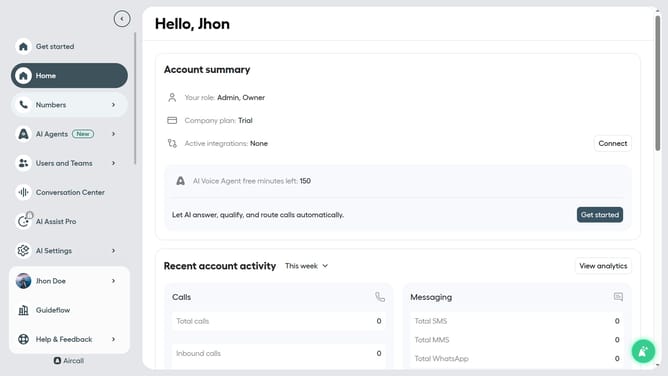
- First, in the left sidebar, click on the "Numbers" menu item
- Then, click on the "Numbers" tab in the main content area
- Next click on the name of the number you want to manage from the table
- After that, click on the "Edit" button
- Then, click on the "Voicemail" widget
- Next, click on the "Type of message" dropdown menu
- Then, select "Record audio" from the dropdown
- After that, click on the "Start recording" button
- Then, click on the "Stop recording" button
- Finally, click on the "Publish" button
Why should you set routing voicemail into a recorded message in Aircall
Aircall is a cloud-based phone system designed for modern businesses to enhance communication efficiency.
Setting routing voicemail into a recorded message in Aircall is a valuable feature that ensures no important calls are missed.
This capability allows businesses to deliver a personalized message to their callers, maintaining a professional impression even when direct communication isn't possible.
By utilizing this feature, companies can streamline their call management, improve customer satisfaction, and ensure effective follow-up strategies.
Last update