How to to delete a term in glossary in Aircall
Here is how to to delete a term in glossary in aircall
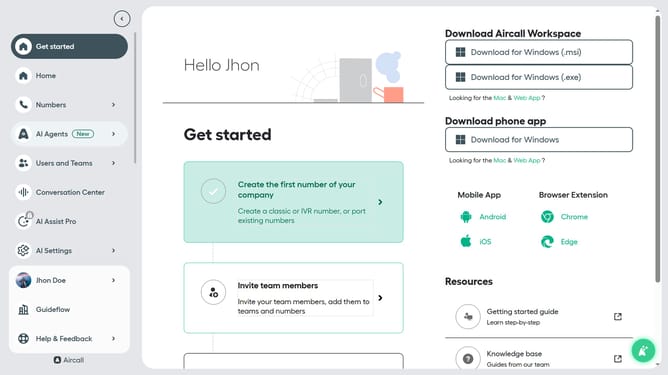
- First click on "AI Settings" in the left sidebar
- Then click on "Glossary" from the dropdown menu
- Then click on the trash can icon next to the word you want to delete
- Finally click on the "Delete" button to confirm
Why should you to delete a term in glossary in Aircall
Aircall revolutionizes communication by providing seamless, cloud-based phone systems for businesses of all sizes.
Effortlessly managing your glossary in Aircall enhances communication efficiency. Deleting unnecessary terms streamlines the list, ensuring only relevant terms are at your fingertips.
This feature aids in maintaining a focused glossary, thus reducing confusion and improving team productivity by keeping everyone aligned.
Refining your glossary with ease allows for smoother conversations and a more organized workflow.
Last update