How to set immediate escalation transfer in AI voice agent in Aircall
Here is how to set immediate escalation transfer in ai voice agent in aircall
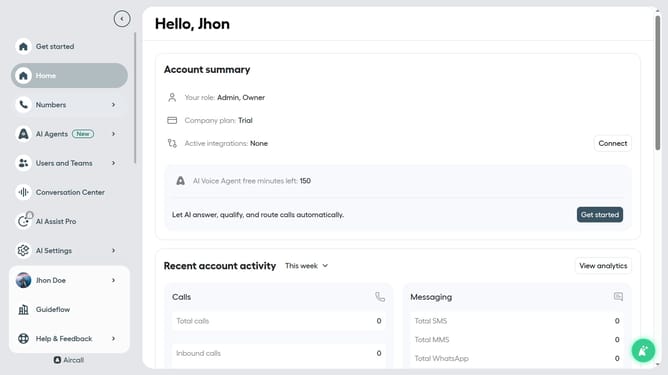
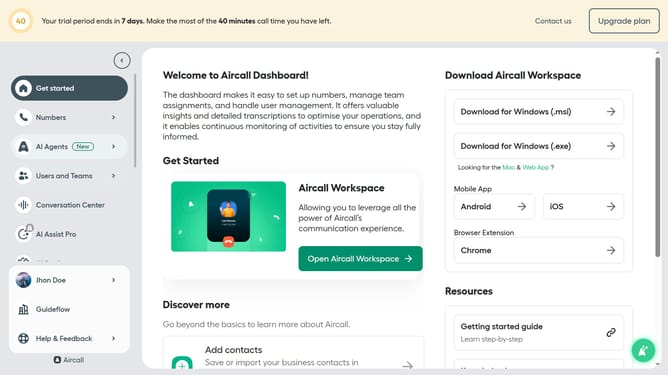
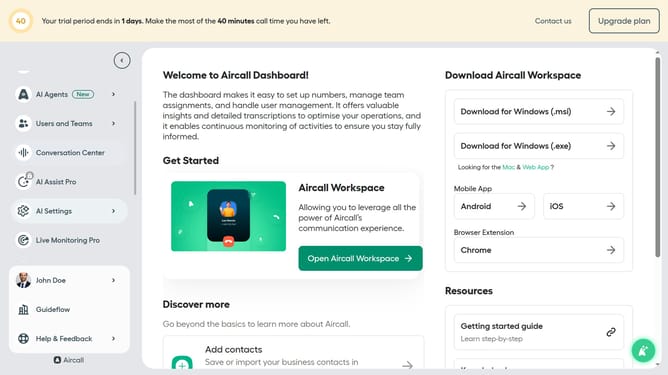
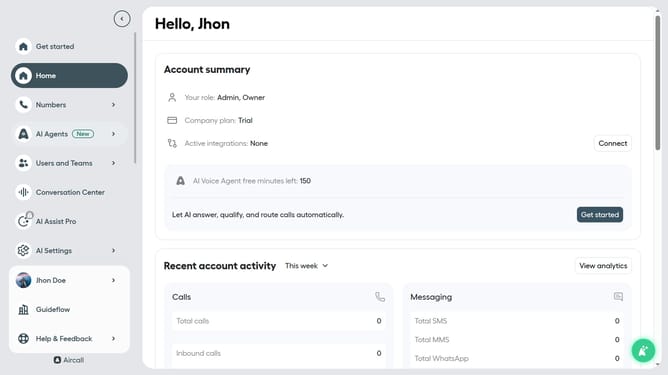
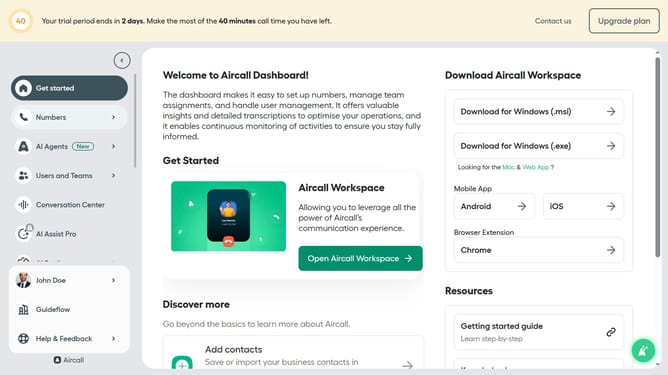
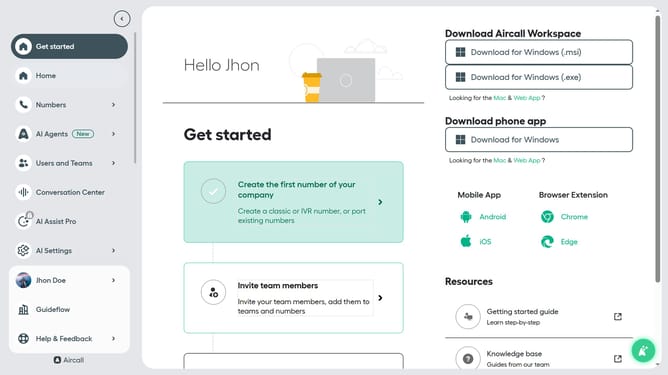
- First click on the "AI Agents" item in the sidebar
- Then click on "AI Voice Agents" in the submenu
- Next click on the voice entry you want to manage
- Then click on the "Call transfer rules" link in the left panel
- Next, click on the radio button for "Immediate"
- Finally click on the "Save" button
Why should you set immediate escalation transfer in AI voice agent in Aircall
Aircall revolutionizes business communication with its seamless cloud-based phone system designed for modern teams.
Setting an immediate escalation transfer within Aircall's AI voice agent ensures that complex calls are swiftly directed to human agents, enhancing customer satisfaction.
This feature streamlines handling urgent inquiries, ensuring priority issues receive immediate attention. By using this capability, businesses can maintain high service levels even during peak times, solidifying customer trust and loyalty.
Last update