How to set greeting message in AI voice agent in Aircall
Here is how to set greeting message in ai voice agent in aircall
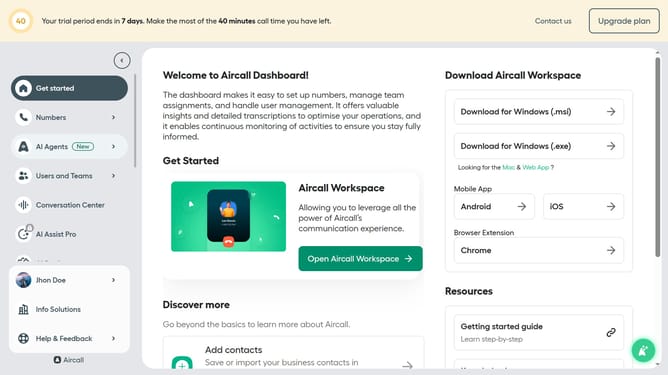
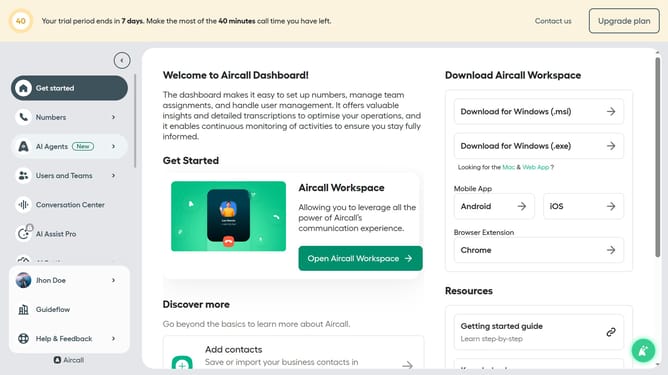
- First, click on "AI Agents" in the sidebar menu
- Then, click on "AI Voice Agents" in the expanded section
- Next click on the voice entry you want to manage
- After that, click on the "Call script" option in the left-side menu
- Then, click on the text input area and edit the greeting message
- Finally, click on the "Save" button
Why should you set greeting message in AI voice agent in Aircall
Aircall revolutionizes business communication by seamlessly integrating advanced call management features for enhanced customer interactions.
Setting a greeting message in the AI voice agent ensures that your callers receive a warm, professional welcome every time. This feature allows customization that aligns with your brand's voice, fostering familiarity and trust.
Implementing personalized greetings not only enhances the caller's experience but also sets the tone for efficient, fluid communication, ultimately reflecting positively on your business's responsiveness and attention to detail.
Last update